FIXONIC
Before you begin
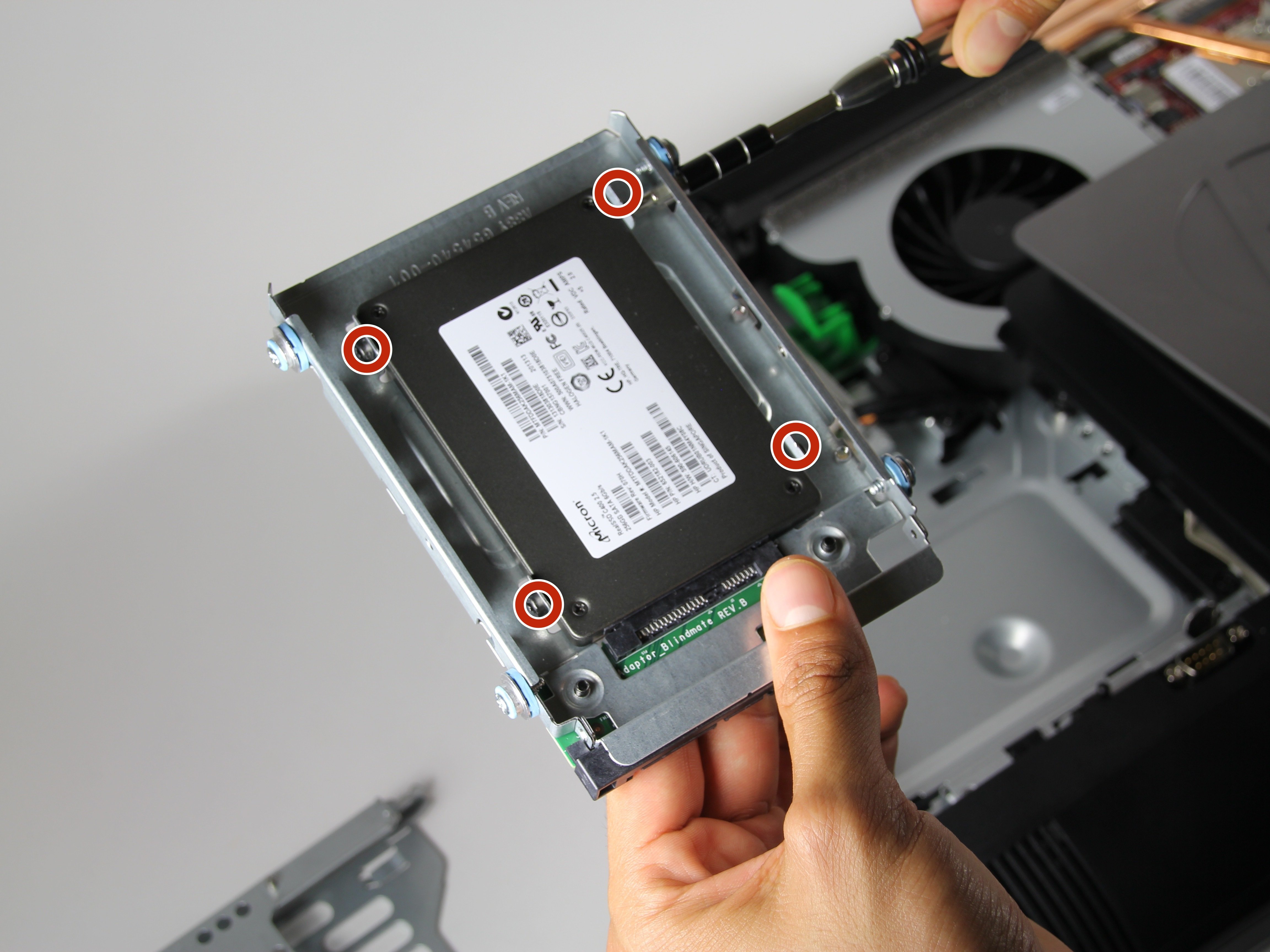
The maximum dimensions of a new solid state drive are 100.5 x 69.85 x 7.0mm. Before performing any work, always remember to completely turn off and disconnect your computer from any power source.
The maximum dimensions of a new solid state...
This attributed iFixit guide is displayed through Fixonic's recorded commercial API permission. iFixit remains the independent source and author of the procedure.
The maximum dimensions of a new solid state drive are 100.5 x 69.85 x 7.0mm. Before performing any work, always remember to completely turn off and disconnect your computer from any power source.