FIXONIC
SellSavedMy Fixonic
Official iFixit API visual reference

Nikon Coolpix S5200 LCD Screen Replacement

If the screen on your Nikon Coolpix S5200 is...

iFixit Library Nikon Coolpix S5200 Moderate 1 minute Guide 52119
Open the authorised source
Licensed iFixit integration

This attributed iFixit guide is displayed through Fixonic's recorded commercial API permission. iFixit remains the independent source and author of the procedure.

Guide overview

Before you begin

If the screen on your Nikon Coolpix S5200 is unresponsive or not working, use this repair guide to replace the entire screen,

Step 1

Repair step

  • There are four 0.1 mm screws holding the front and back of the camera together all along the outside of the camera
  • There should be four screws
Step 2

Repair step

  • Use the Phillips Head screw driver head to remove the four 0.1 mm screws surrounding the outer edges of the camera
Step 3

Repair step

  • Pull the plastic back cover off of and away from the LCD screen
Step 4

Repair step

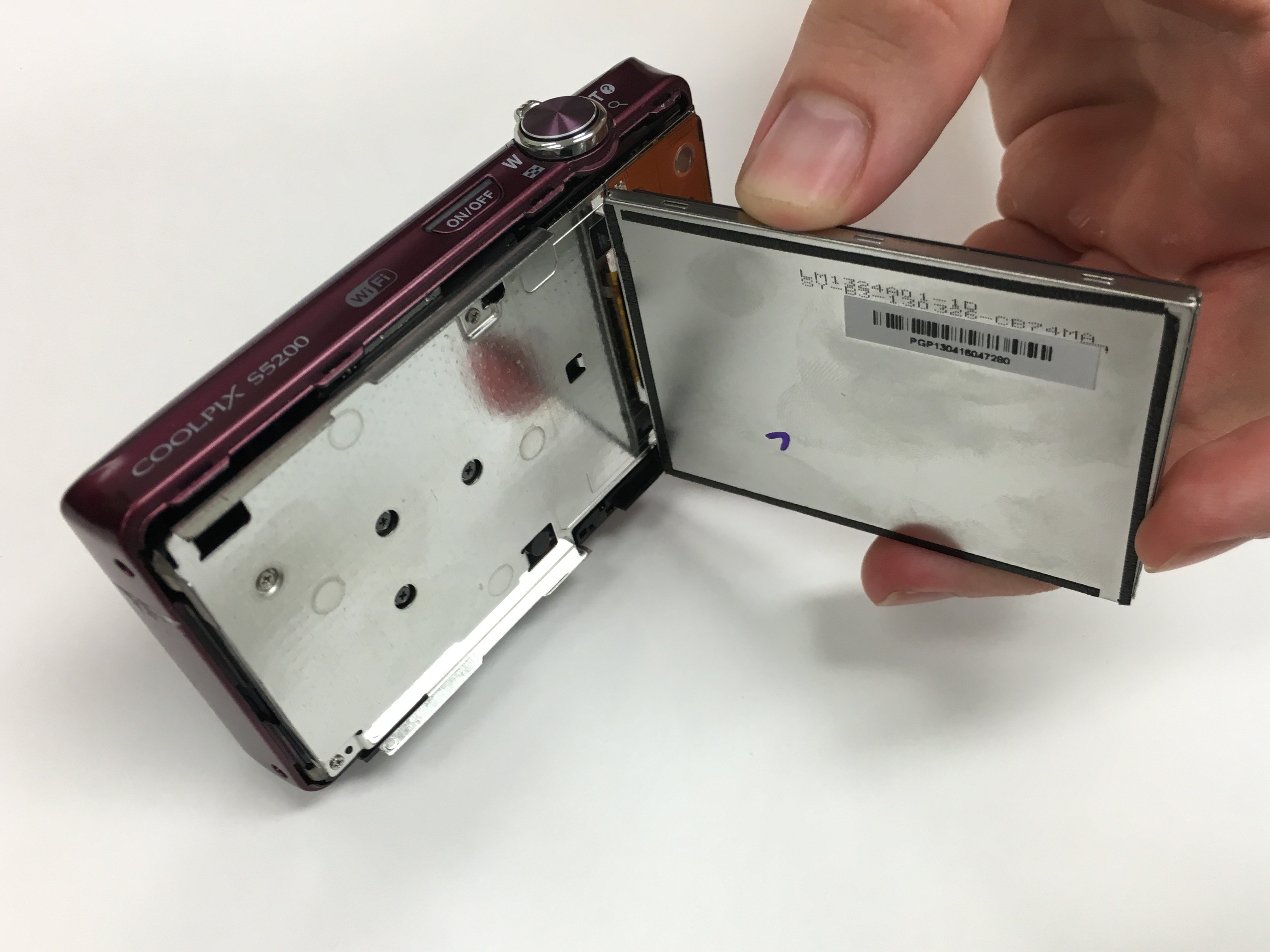
  • Carefully remove the LCD screen from the silver plate that once held it in place by pulling it away from the internal components
Step 5

Repair step

  • Remove the six designated screws sized 0.1 mm from the metal plate using a Phillip's Head screwdriver in size PH00.
Step 6

Repair step

  • Lift the metal plate away from the internal components of the camera
Step 7

Repair step

  • Carefully remove the LCD screen by pulling it away from the camera. Repeat these steps in reverse order to install the new LCD screen.