
FIXONIC
SellSavedMy Fixonic
Official iFixit API visual reference

Acer Chromebook CB3-111-C670 Screen Replacement

Use this guide to replace the screen of your...

iFixit Library Acer Chromebook CB3-111-C670 Easy 10 - 15 minutes Guide 56651
Open the authorised source
Licensed iFixit integration

This attributed iFixit guide is displayed through Fixonic's recorded commercial API permission. iFixit remains the independent source and author of the procedure.

Guide overview

Before you begin

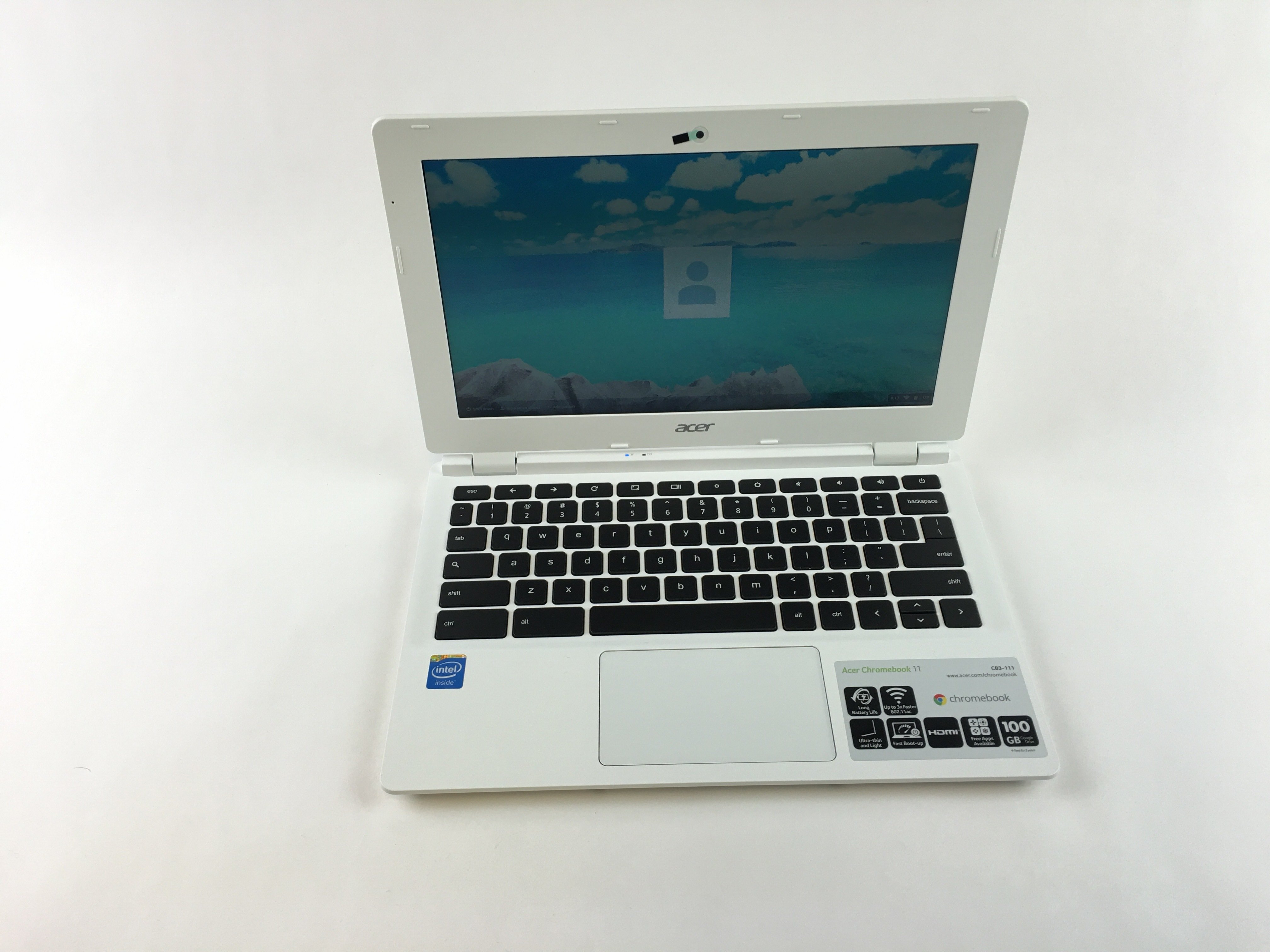
Use this guide to replace the screen of your Acer Chromebook CB3-111-C670. The screen replacement is a simple fix, and shouldn't take long at all.
Step 1

Repair step

  • Unplug and power off the laptop before starting this repair.
  • Pry the white frame away from the screen with an opening tool.
  • As you move the spudger along the seam between the frame and the screen, the clips holding the frame in place will loosen.
Step 2

Repair step

  • Remove the four screws within the silver brackets that are holding the screen to the back of the laptop.
Step 3

Repair step

  • Once you've removed the screws, lift the piece of tape that is covering the display connector.
  • Use a spudger to flip up the black tab on top of the connector to unlock the ZIF connector.
Step 4

Repair step

  • Pull the ribbon cable out with tweezers and remove the screen.