FIXONIC
SellSavedMy Fixonic
Official iFixit API visual reference

Milton Bradley Simon Light Bulb Replacement

This guide will show you how to change the...

iFixit Library Milton Bradly Simon Game Very easy 5 - 8 minutes Guide 58033
Open the authorised source
Licensed iFixit integration

This attributed iFixit guide is displayed through Fixonic's recorded commercial API permission. iFixit remains the independent source and author of the procedure.

Guide overview

Before you begin

This guide will show you how to change the individual light bulbs from the Simon game. The repair is fairly simple and only requires the use of a Phillips head screwdriver.

Step 1

Repair step

  • Make sure the game is powered off by switching the On/Off switch to the left.
Step 2

Repair step

  • Take off the green and red switches on top of the game by pulling them off.
Step 3

Repair step

  • Flip the game over.
Step 4

Repair step

  • Slide the battery cover off of the back.
Step 5

Repair step

  • Take out the batteries.
Step 6

Repair step

  • Use the Phillips Head screwdriver to unscrew the screws located at the four corners of the game.
Step 7

Repair step

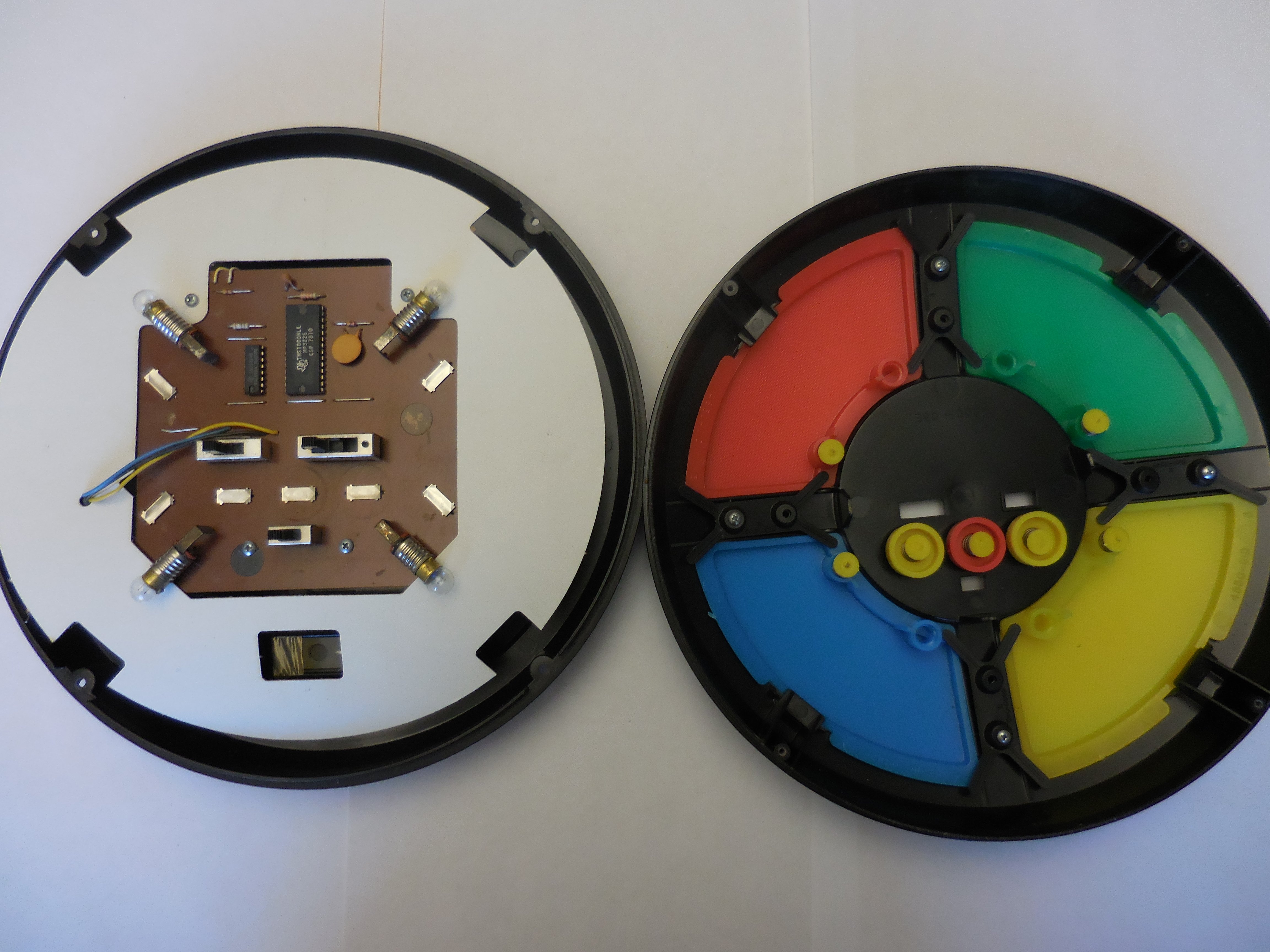
  • Pull off the back plastic case of the game.
Step 8

Repair step

  • Carefully place the top half of the game aside.
  • The top half is the half with the colored panels. Carefully place this half aside so the buttons do not fall out of place.
Step 9

Repair step

  • Unscrew the 4 light bulbs from the bottom half of the game.