FIXONIC
SellSavedMy Fixonic
Official iFixit API visual reference

VTech Learning Tunes Karaoke Speaker Replacement

Is the sound not audible and/or distorted? This...

iFixit Library VTech Learning Tunes Karaoke Moderate 15 - 30 minutes Guide 60744
Open the authorised source
Licensed iFixit integration

This attributed iFixit guide is displayed through Fixonic's recorded commercial API permission. iFixit remains the independent source and author of the procedure.

Guide overview

Before you begin

Is the sound not audible and/or distorted? This guide may help in finding a solution to fix the problem.

Step 1

Repair step

  • To remove the battery door, loosen the screw using a Flathead screwdriver.
  • A coin can also be used to loosen the screw.
Step 2

Repair step

  • Remove the battery door and take out the batteries.
Step 3

Repair step

  • Remove the six 9.5 mm Phillips #2 screws.
  • Remove the six 6.0 mm Phillips #2 screws.
Step 4

Repair step

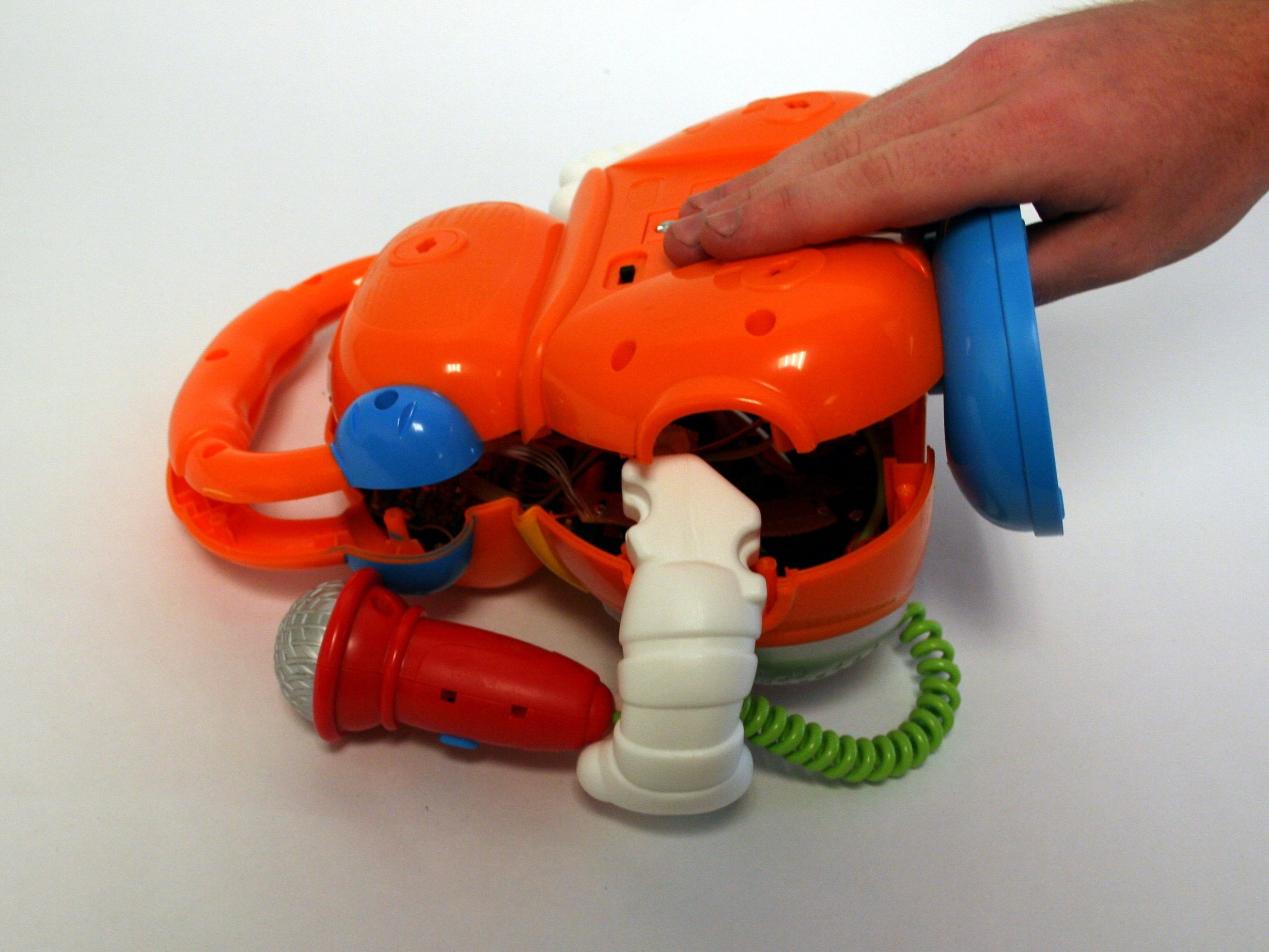
  • Gently pull up on the rear panel.
  • Be careful to not pull on the wire connections.
  • Carefully place the back panel underneath the top panel with the tops facing each other, as shown in the picture.
Step 5

Repair step

  • Remove two 7.9 mm Phillips #1 screws on the speaker cover.
  • After removing the screws, remove the black plastic speaker cover to expose the speaker.
Step 6

Repair step

  • Desolder the speaker at the solder points to remove.
  • Learn more about soldering and desoldering connections here.