 FIXONIC
Official iFixit API visual reference
Open the authorised source
Porter-Cable PC60TAG Pinion Gear Replacement
Attributed iFixit repair guide for Porter-Cable PC60TAG.
iFixit Library Porter-Cable PC60TAG
Moderate
15 minutes
Guide 62477
Licensed iFixit integration
This attributed iFixit guide is displayed through Fixonic's recorded commercial API permission. iFixit remains the independent source and author of the procedure.


Repair step
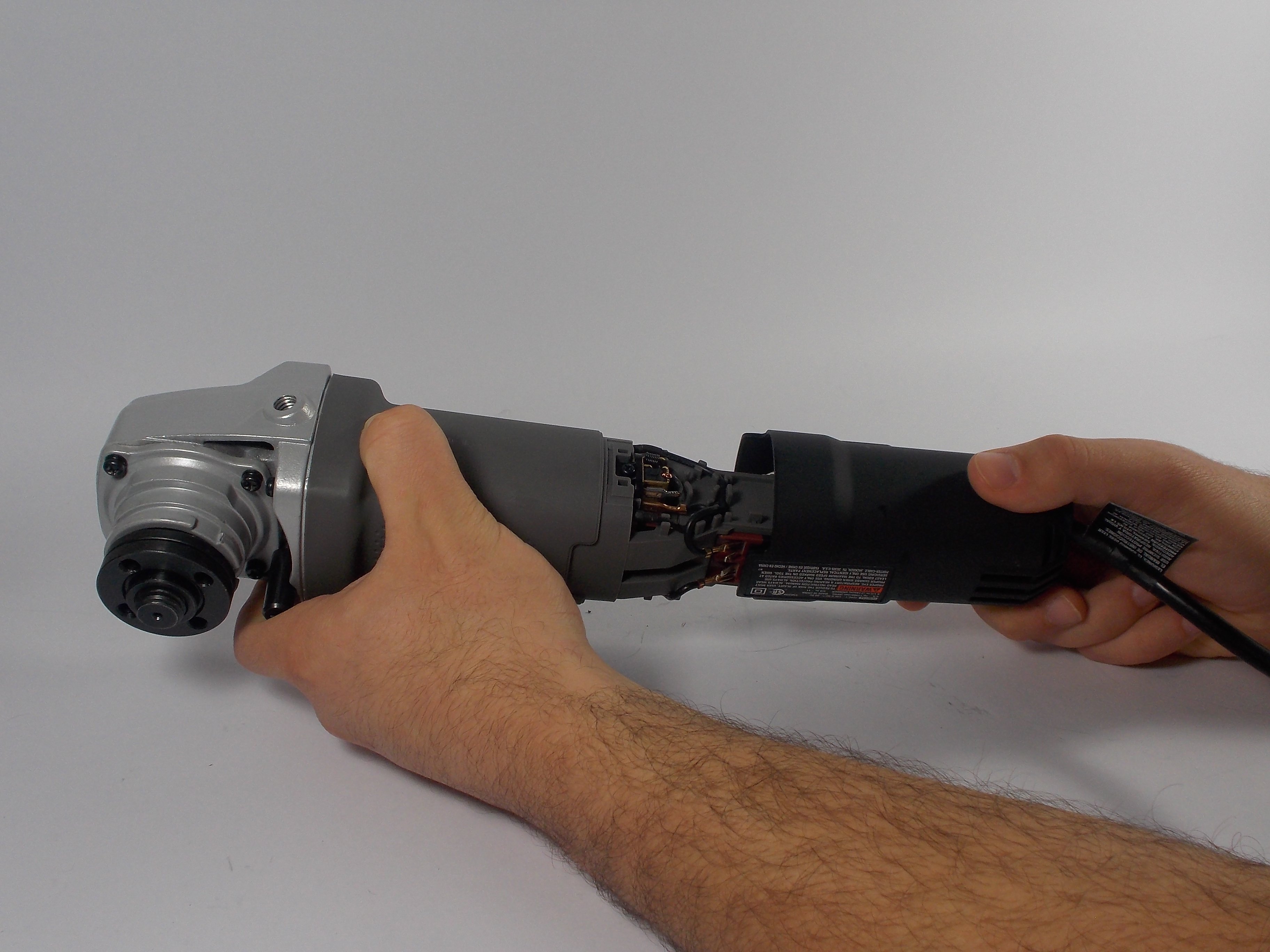
- Holding the front of the device, carefully slide the back cover over the cord.
Repair step

Repair step

- Carefully pull the motor brush arm away from the other device, you can leave the wire connected to device. Repeat on the other side.
Repair step

Repair step

Repair step

- Carefully pull the head gear away from the device, and set aside.
Repair step

Repair step

Repair step

- Holding the head of the device, carefully pull the motor assembly out of the body of the device.
Repair step

- Using a 9/16" wrench, loosen the spindle nut inside the head, from the motor assembly.
Repair step

- Pull the motor assembly away from the head, and set aside
Repair step

- Using a pair of needle nose pliers, remove the pinion gear from the head.