FIXONIC
SellSavedMy Fixonic
Official iFixit API visual reference

Disassembling and cleaning of the filter holder on a Quickmill 0385

A free workspace and prepared tools is always...

iFixit Library Quickmill 0835 Easy 35 - 45 minutes Guide 68055
Open the authorised source
Licensed iFixit integration

This attributed iFixit guide is displayed through Fixonic's recorded commercial API permission. iFixit remains the independent source and author of the procedure.

Guide overview

Before you begin

A free workspace and prepared tools is always advisable.

Step 1

Repair step

  • Remove the black tray for an easier disassembly
Step 2

Repair step

  • Move the steam nozzle to the side to have it out of the way.
Step 3

Repair step

  • Remove the flat head screw in the center of the filter hodler.
Step 4

Repair step

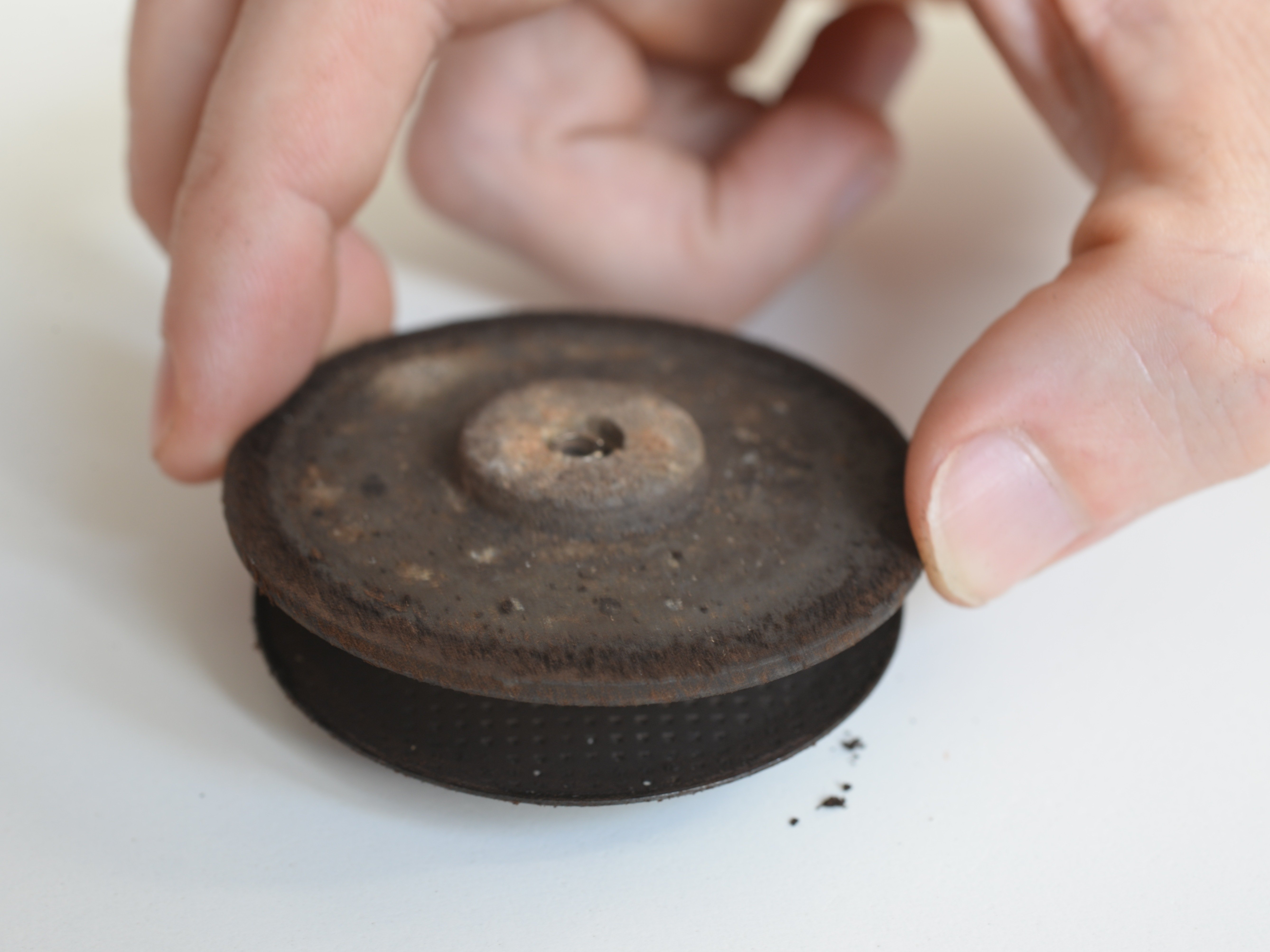
  • Remove the screen.
Step 5

Repair step

  • Remove the gasket.
Step 6

Repair step

  • Now we have all the parts removed: the screen, the gasket, the hollow screw, the spring and the valve.
  • Remove the pin first.
Step 7

Repair step

  • Remove the spring.
Step 8

Repair step

  • Remove the metal plate.
Step 9

Repair step

  • You are left with the screen and and the hollow screw.
Step 10

Repair step

  • All parts can be cleaned individually now.
  • It is advisable to also clean the socket of the filter on the machine.
  • Reassemble the parts in reverse order after cleaning.
  • Enjoy your coffee!