FIXONIC
SellSavedMy Fixonic
Official iFixit API visual reference

Samsung Intensity Teardown

The Teardown is pretty much the same as other...

iFixit Library Samsung Intensity Moderate No estimate Guide 6877
Open the authorised source
Licensed iFixit integration

This attributed iFixit guide is displayed through Fixonic's recorded commercial API permission. iFixit remains the independent source and author of the procedure.

Guide overview

Before you begin

The Teardown is pretty much the same as other Samsung Slider phones

Step 1

Repair step

  • Remove the back cover and battery
Step 2

Repair step

  • Remove the 8 screw that hold the back cover down.
  • Carefully pry back piece off
  • Start at the bottom and work toward the top.
Step 3

Repair step

  • Use the ipod opening tool to disconnect the Connector
Step 4

Repair step

  • Carefully remove the main board
  • Make sure to not tear the microphone cable, pry it from the phone carefully
Step 5

Repair step

  • Remove the 6 screws
  • Pry to ribbon cable assembly loose from the slider
  • Its glued on the left and right side
Step 6

Repair step

  • Remove the 4 screw the holds the slider to the phone assembly
  • one of the screws will be behind the hinge
  • Carefully pry slider assembly loose from display assembly
Step 7

Repair step

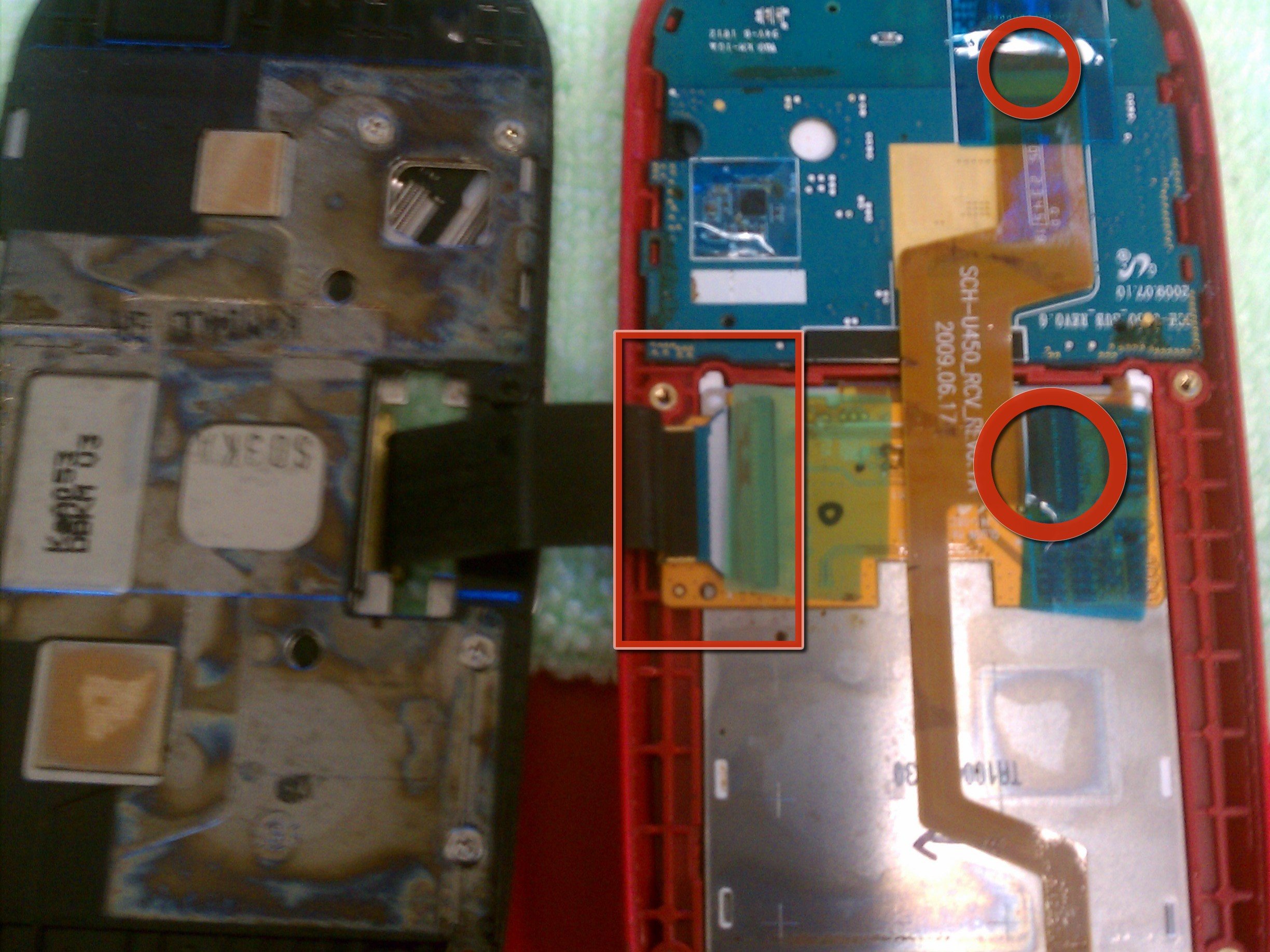
  • Remove the tape and pop the connectors and pull all the ribbon cables loose
  • Carefully pry the speaker loose from the case.
Step 8

Repair step

  • Carefully work the keyboard loose from the display assembly
  • There are a couple fragile clips that hold it in place
Step 9

Repair step

  • LCD comes out pretty easily
  • Pry it from the bottom and work up the sides to release it if stuck
  • The glass can be removed with a little heat from a heat gun or blow dryer
  • Pry it out from the outside edges working around carefully