 FIXONIC
Official iFixit API visual reference
Open the authorised source
Numark TT1600 Tone Arm Replacement
Attributed iFixit repair guide for Numark TT1600.
iFixit Library Numark TT1600
Moderate
5 - 10 minutes
Guide 7200
Licensed iFixit integration
This attributed iFixit guide is displayed through Fixonic's recorded commercial API permission. iFixit remains the independent source and author of the procedure.


Repair step

- Remove the back cover by pulling it apart.
Repair step

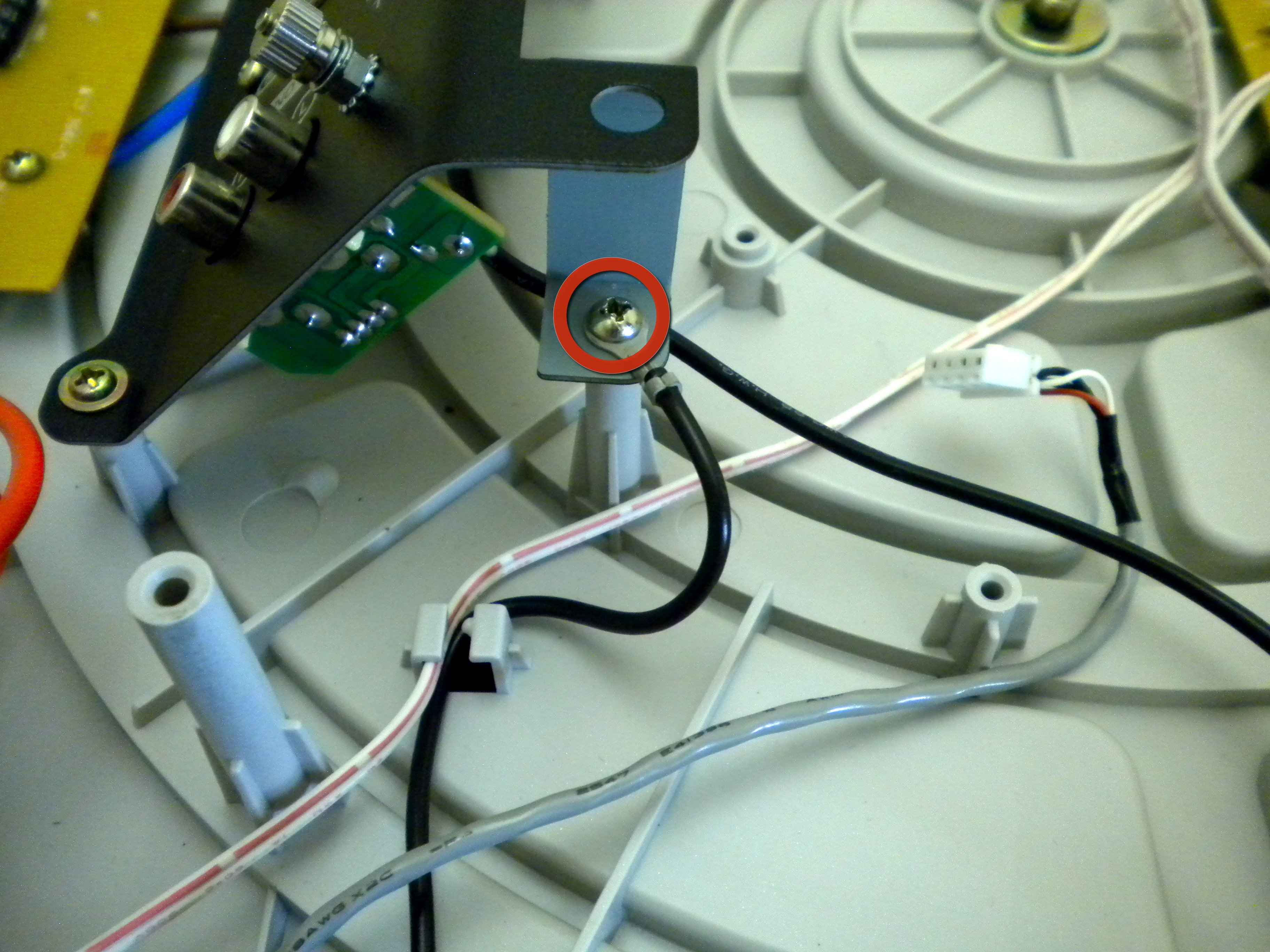
- Remove the clip located on the backside of the audio jack housing by gently pulling it out.
- The clip is located right underneath the audio jacks.
Repair step
Repair step

Repair step

Repair step

Repair step

- Flip the turntable back over to the top side.
- Remove the counter weight located at the back of the tone arm.
Repair step

- Push out the pin keeping the tone arm in place using a Phillips #00 screwdriver.
- Once you have pushed the pin out with the screwdriver, pull the rest of it out using your hand.
Repair step
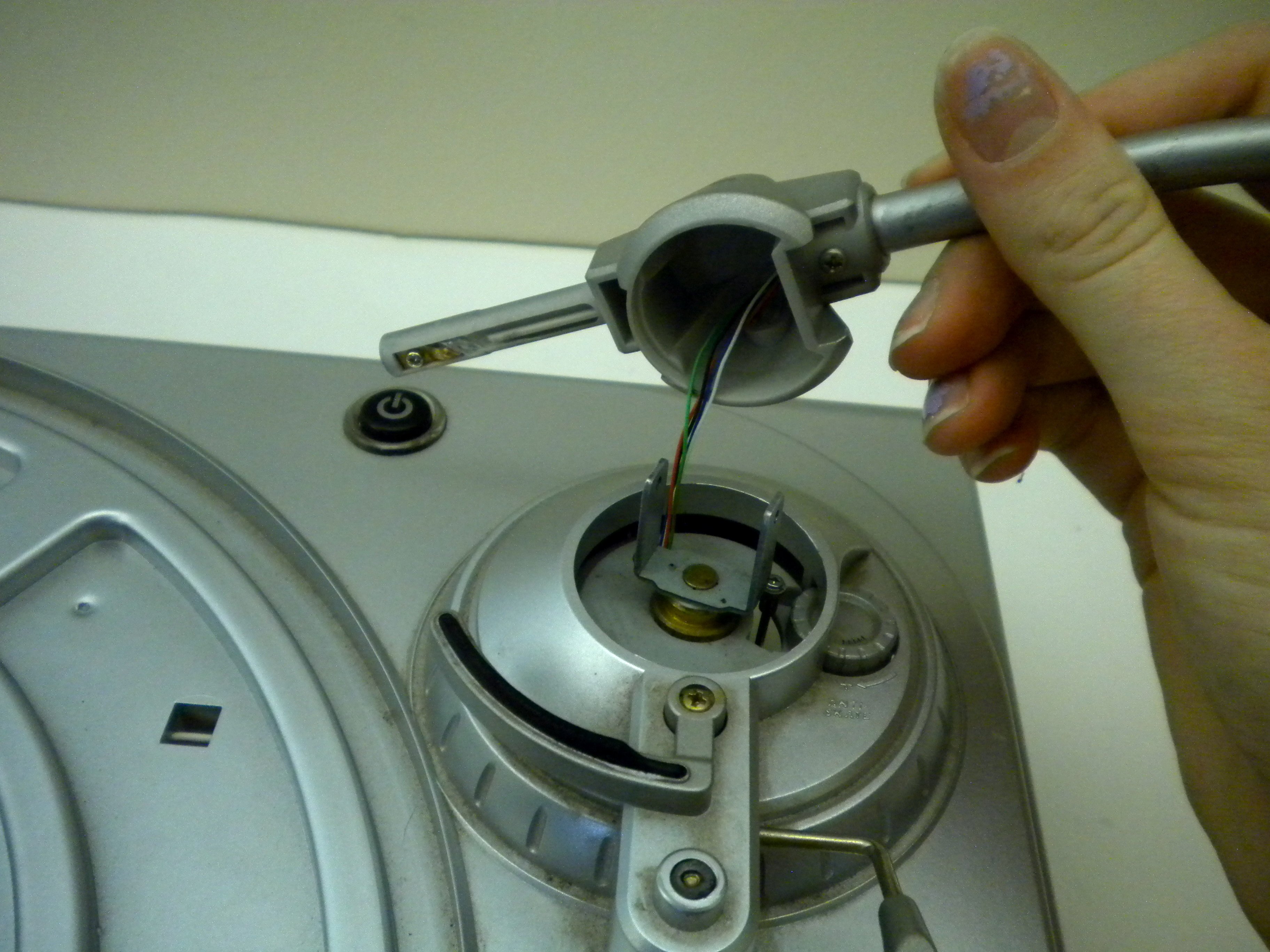
- Pick up the tone arm and point the back end of it towards its base.
- Push the back end of the tone arm into the hole.
- Flip the turntable over and pull the tone arm all the way through the hole.