FIXONIC
SellSavedMy Fixonic
Official iFixit API visual reference

Dell Latitude E5410 Battery Replacement

This guide will show you how to replace the...

iFixit Library Dell Latitude E5410 Very easy 2 minutes Guide 72628
Open the authorised source
Licensed iFixit integration

This attributed iFixit guide is displayed through Fixonic's recorded commercial API permission. iFixit remains the independent source and author of the procedure.

Guide overview

Before you begin

This guide will show you how to replace the battery.

Step 1

Repair step

  • Have your Dell Latitude E5410 unit ready face down.
Step 2

Repair step

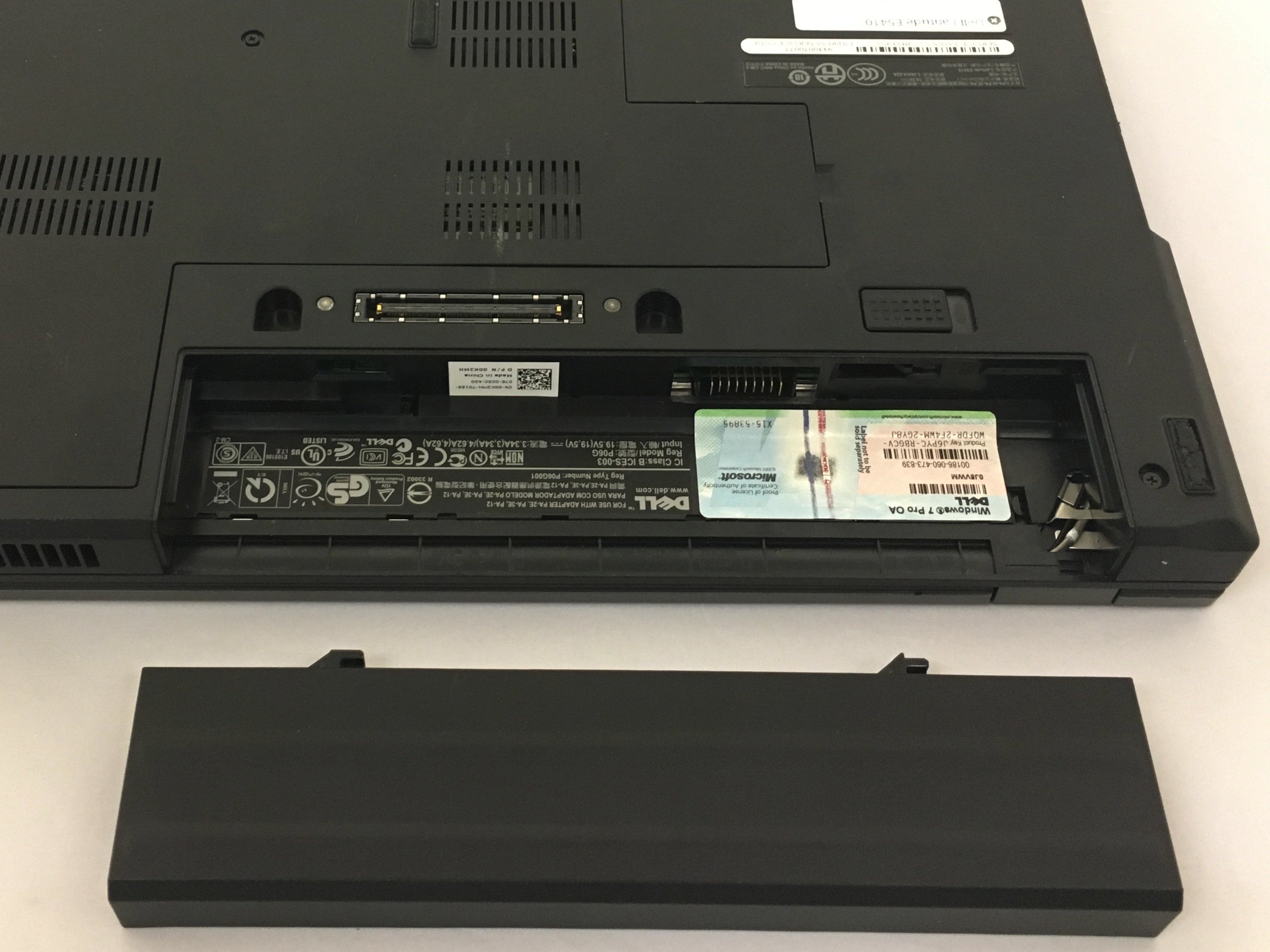
  • Use your thumb to move the tab to the right that releases the battery, while using your other hand to slide the battery out.
  • The battery will come out straight toward you.
Step 3

Repair step

  • Have your replacement battery ready to slide in.