
FIXONIC
SellSavedMy Fixonic
Official iFixit API visual reference

Dell Inspiron 14z-5423 Optical Drive Replacement

The optical drive allows for users to play CD's...

iFixit Library Dell Inspiron 14z-5423 Very easy 5 minutes Guide 72721
Open the authorised source
Licensed iFixit integration

This attributed iFixit guide is displayed through Fixonic's recorded commercial API permission. iFixit remains the independent source and author of the procedure.

Guide overview

Before you begin

The optical drive allows for users to play CD's and DVDs on the Dell Inspiron 14z - 5423. This easy step-by-step guide will help in replacing the optical drive.

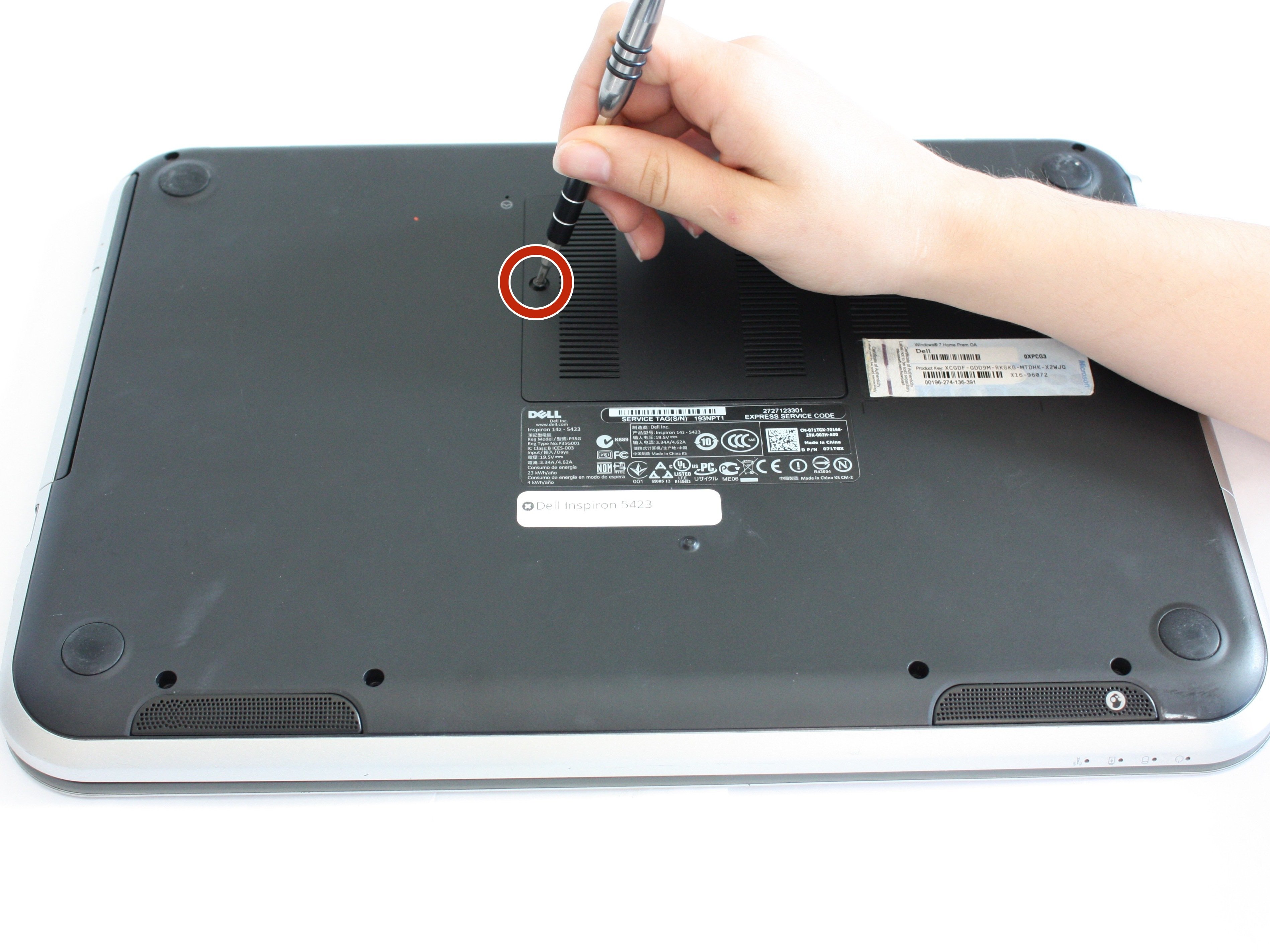
Step 1

Repair step

  • Close the display and turn over the computer.
  • Make sure your device is powered down and unplugged before beginning the replacement.
Step 2

Repair step

  • Use a J0 bit tipped screwdriver to unscrew the one 6 mm Phillips screw on the RAM cover.
Step 3

Repair step

  • Lightly lift the RAM cover up and at an angle, away from the computer.
Step 4

Repair step

  • Use your fingers to carefully pull the securing clips on the RAM away from each other.
  • The RAM should pop up when the clips are released.
Step 5

Repair step

  • Remove the popped up RAM by pulling it away from the connection.
  • If it does not pop up pry it out in a steady and straight direction.
Step 6

Repair step

  • Slide the CD/DVD drive on the side of the laptop out using your fingers.
  • Using a J0 bit screwdriver, unscrew the one 2 mm Phillips screw.
  • You only need to unscrew this screw if you are using this as a prerequisite guide.