FIXONIC
SellSavedMy Fixonic
Official iFixit API visual reference

Garmin Nuvi 265WT Screen Replacement

Attributed iFixit repair guide for Garmin Nuvi 265WT.

iFixit Library Garmin Nuvi 265WT Moderate No estimate Guide 73229
Open the authorised source
Licensed iFixit integration

This attributed iFixit guide is displayed through Fixonic's recorded commercial API permission. iFixit remains the independent source and author of the procedure.

Step 1

Repair step

  • Remove PN/Model sticker an the lower side of the device.
  • Use pentalobe screwdriver to remove the two screws underneath it.
  • Use the nylon spudger to remove the screen from the device.
  • The regular black nylon spudger should be used whenever possible, especially around glass displays and other sensitive components.
Step 2

Repair step

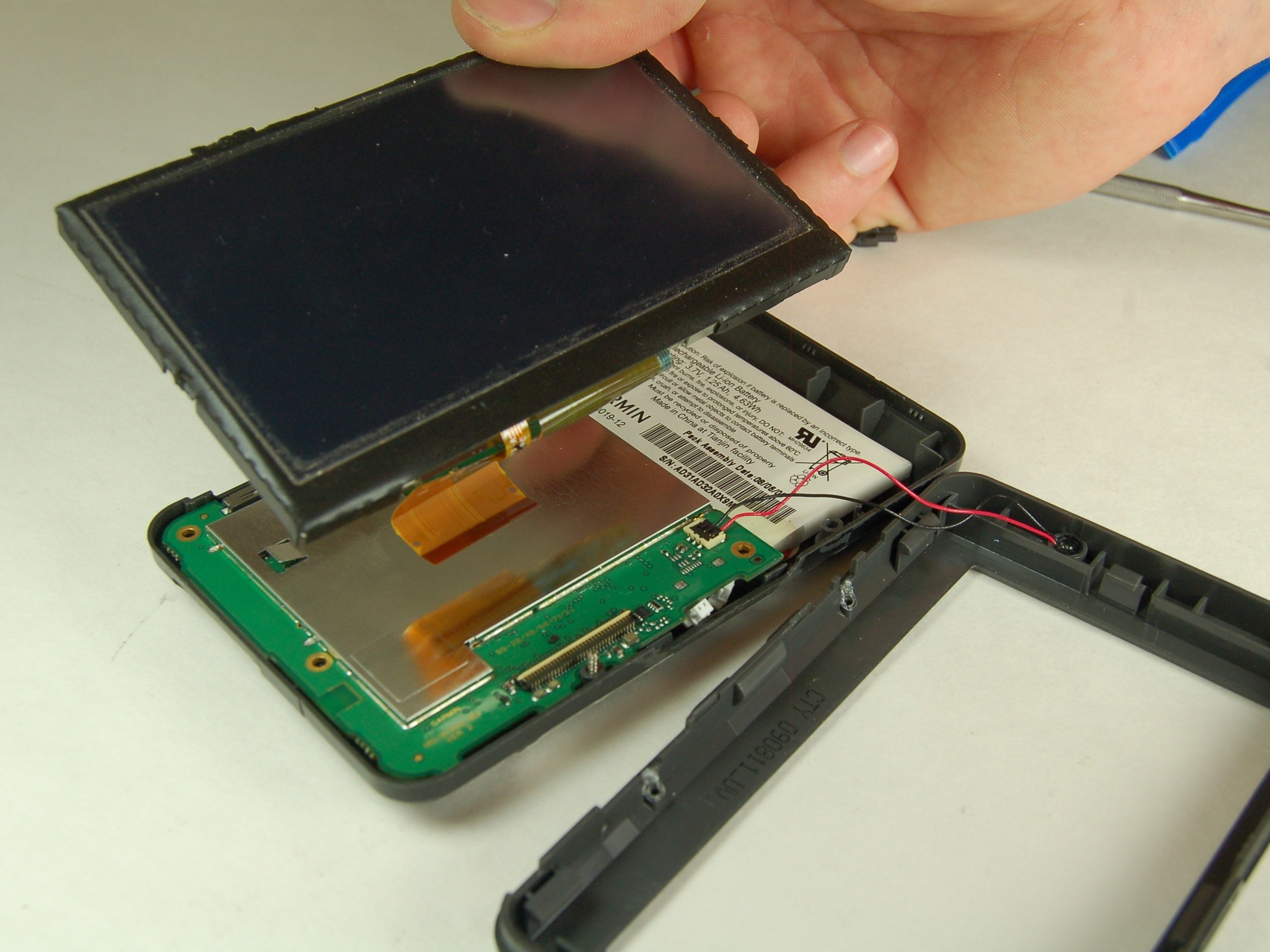
  • Lift up the screen gently and place it on the opposite side.
Step 3

Repair step

  • Use a plastic opening tool to gently lift up the white rectangular snap clip that is attached to the screen.
Step 4

Repair step

  • Lift up the screen and you're done.