
FIXONIC
SellSavedMy Fixonic
Official iFixit API visual reference

HP Compaq Presario V6000 Cooling Fan Replacement

Attributed iFixit repair guide for HP Compaq Presario V6000.

iFixit Library HP Compaq Presario V6000 Moderate No estimate Guide 73403
Open the authorised source
Licensed iFixit integration

This attributed iFixit guide is displayed through Fixonic's recorded commercial API permission. iFixit remains the independent source and author of the procedure.
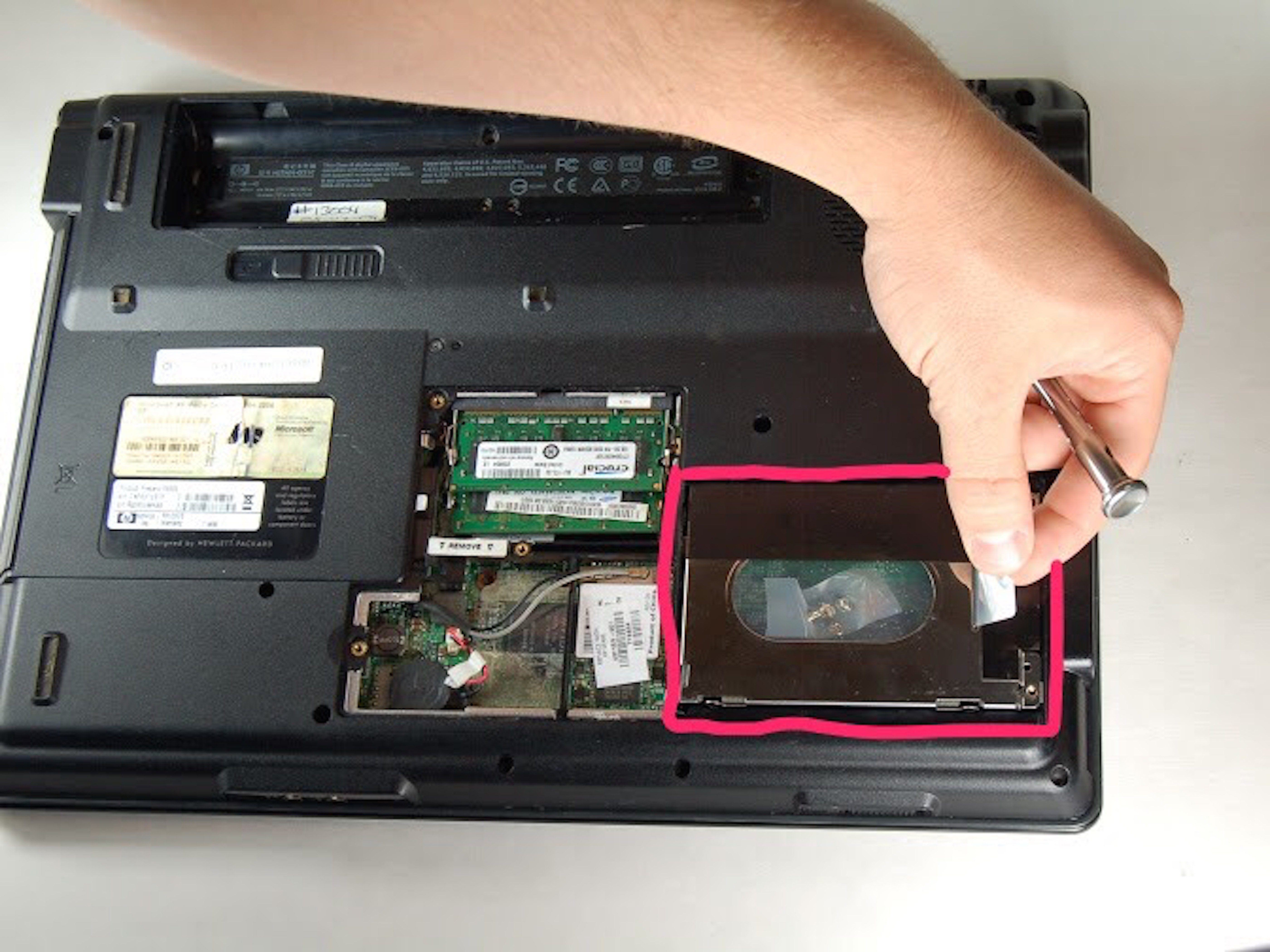
Step 1

Repair step

  • Remove all of circled screws.
  • Be careful not to lose or misplace any screws. We suggest using a magnet board to keep everything together.
Step 2

Repair step

  • After removing the backs of the memory card and hard drive cover, gently remove the silver screen.
Step 3

Repair step

  • After removing the back of the memory card and the back of the hard drive, remove the CD Drive by gently pulling it all the way out of the device.
Step 4

Repair step

  • After all components are removed, use your hands to separate the base plate form the main housing. If your fingers can not separate the 2 pieces; insert the metal spudger to create space.
Step 5

Repair step

  • Remove all screw we have designated in the photo.
Step 6

Repair step

  • After all screws are removed use metal spudger to pry the plastic housing away from the ports to separate.
  • Use light pressure when separating the plastic housing
Step 7

Repair step

  • Separate the motherboard from the rest of the components.
Step 8

Repair step

  • Remove designated screws
  • Unplug the ribbon connecting the cooling fan to the motherboard.
  • After unplugging and unscrewing you will be able to detach cooling fan