
FIXONIC
SellSavedMy Fixonic
Official iFixit API visual reference

Acer Aspire 5334-2581 RAM Replacement

This guide is simple and it will show how to...

iFixit Library Acer Aspire 5334-2581 Easy 40 seconds Guide 73627
Open the authorised source
Licensed iFixit integration

This attributed iFixit guide is displayed through Fixonic's recorded commercial API permission. iFixit remains the independent source and author of the procedure.

Guide overview

Before you begin

This guide is simple and it will show how to replace RAM on your Acer Aspire 5334-2581. RAM usually helps boost the computer speed and functionality.

Step 1

Repair step

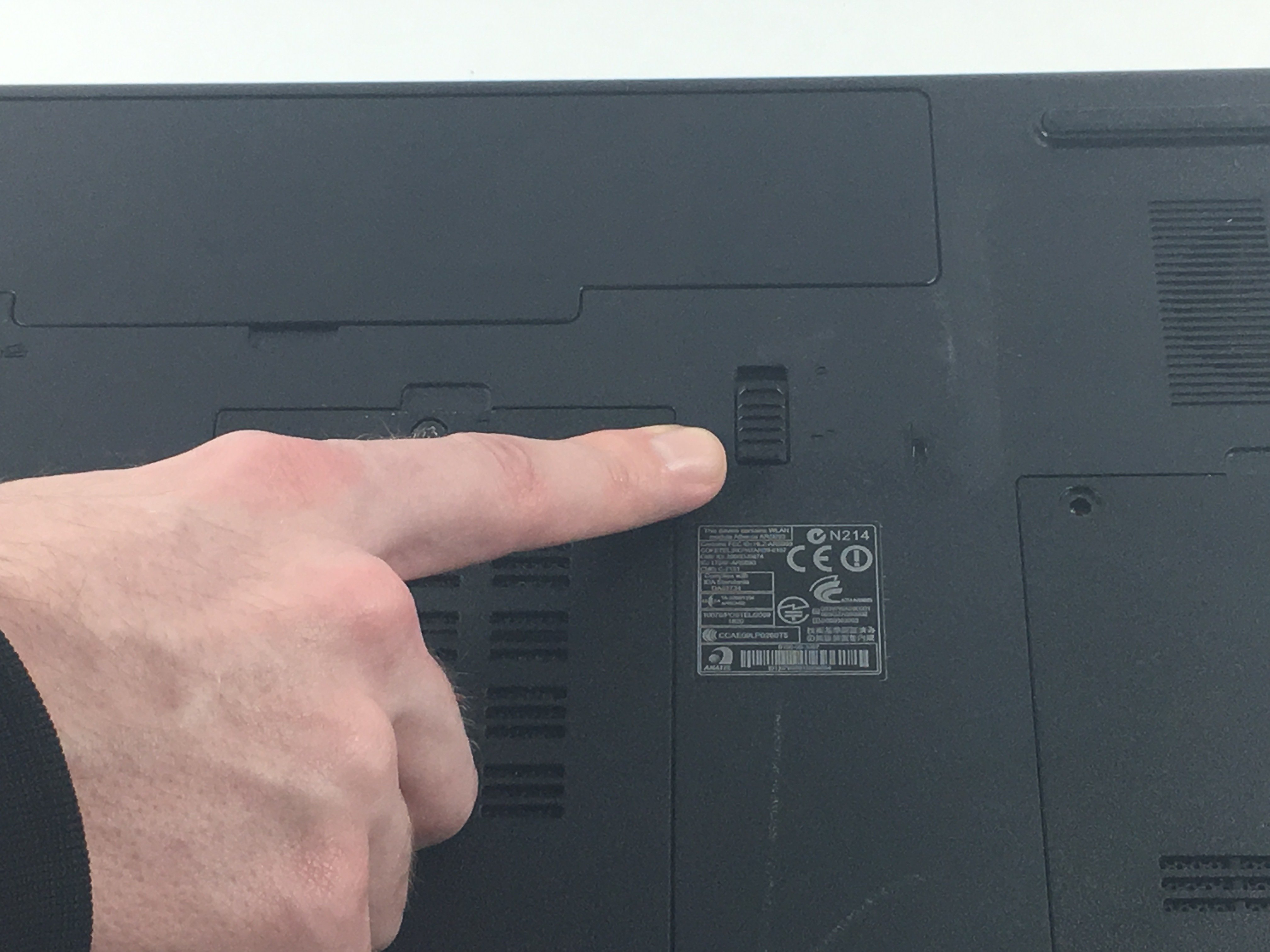
  • Please make sure your device is unplugged . Turn it over slowly, and place it on a flat surface.
Step 2

Repair step

  • This latch holds your battery in place, it should always be locked. Make sure to unlock this piece.
  • Do not break this latch, otherwise your battery will not hold in place.
Step 3

Repair step

  • Locate the eject latch and push it so the battery can come out.
  • The battery will lift up once you have pushed the latch.
  • You DO NOT need to adjust the latch when replacing the new battery, because it just snaps in place.
Step 4

Repair step

  • Lift the battery up, and it should just come right off. You should see the label with the part number.
Step 5

Repair step

  • Remove the phillips screw
  • then take away the cover
Step 6

Repair step

  • Push the marked claws to the side in order to make the RAM free.
  • To remove the RAM just pull it in the shown direction.
  • Take extra care when removing the RAM, you do not want to damage the placeholder for the RAM.