
FIXONIC
SellSavedMy Fixonic
Official iFixit API visual reference

AvertX HD810 Dome Cover Replacement

This guide covers removing the clear dome cover...

iFixit Library AvertX HD810 Easy 4 minutes Guide 77749
Open the authorised source
Licensed iFixit integration

This attributed iFixit guide is displayed through Fixonic's recorded commercial API permission. iFixit remains the independent source and author of the procedure.

Guide overview

Before you begin

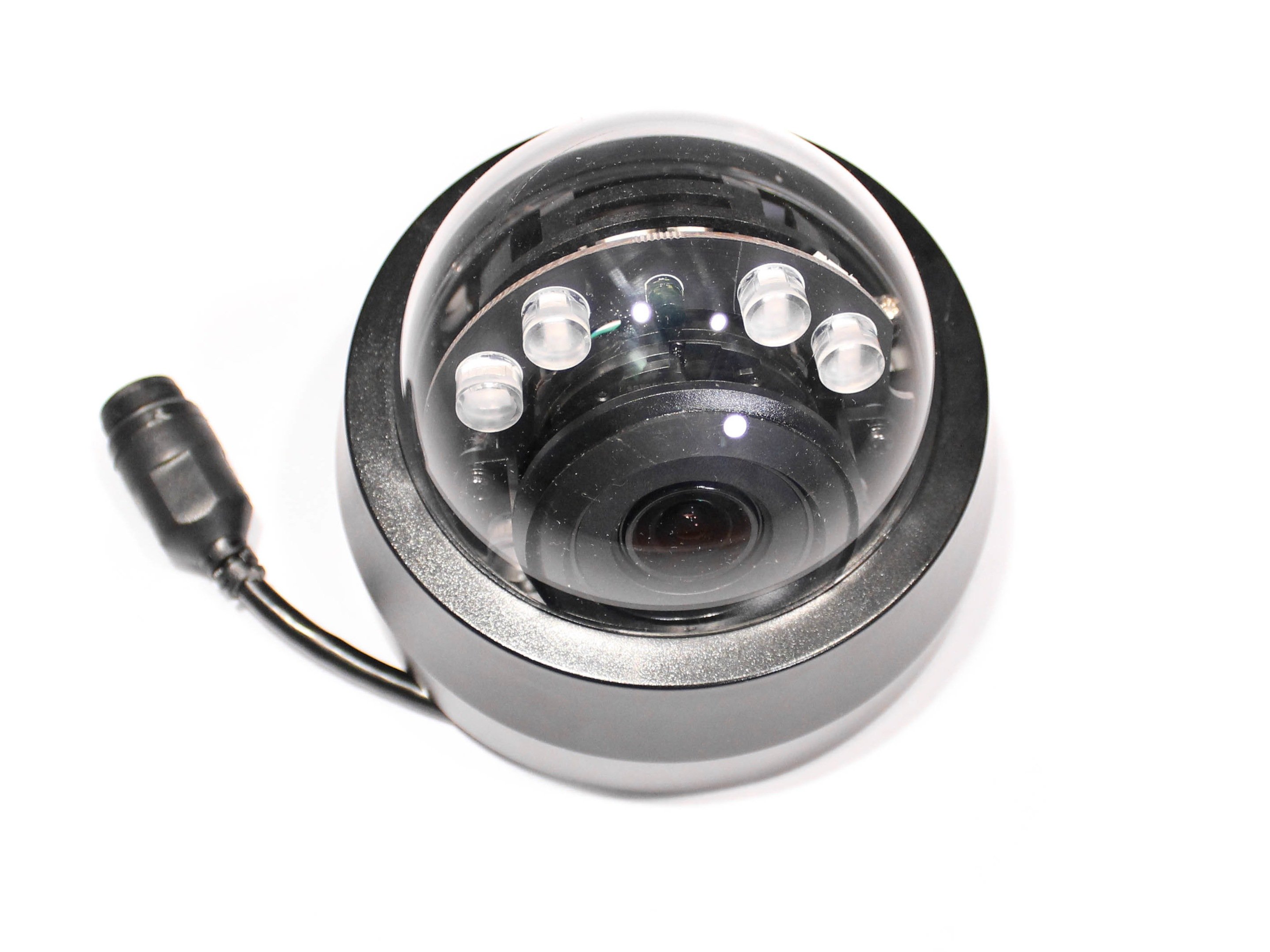
This guide covers removing the clear dome cover for the AvertX HD810 security camera. You need a T10 Torx security screwdriver and a replacement dome cover for the camera. It's advised to have the camera turned off for this procedure.
Step 1

Repair step

  • Lift off the paintable snap-on cover from the AvertX HD810 dome security camera.
  • Optimally, the device should be turned off and the PoE (Power over Ethernet) unplugged.
Step 2

Repair step

  • Loosen both 10mm screws on either side of the clear dome cover housing using a T10 Torx security screwdriver.
  • It is not recommended to remove the screws from the clear dome cover housing. The screws are apart of the cover and not intended to come out.
Step 3

Repair step

  • Gently pull off the clear dome cover from the camera base.