FIXONIC
SellSavedMy Fixonic
Official iFixit API visual reference

HP Pavilion dv7-1448dx Key Replacement

This guide demonstrates how to remove and...

iFixit Library HP Pavilion dv7-1448dx Moderate 1 - 3 minutes Guide 77832
Open the authorised source
Licensed iFixit integration

This attributed iFixit guide is displayed through Fixonic's recorded commercial API permission. iFixit remains the independent source and author of the procedure.

Guide overview

Before you begin

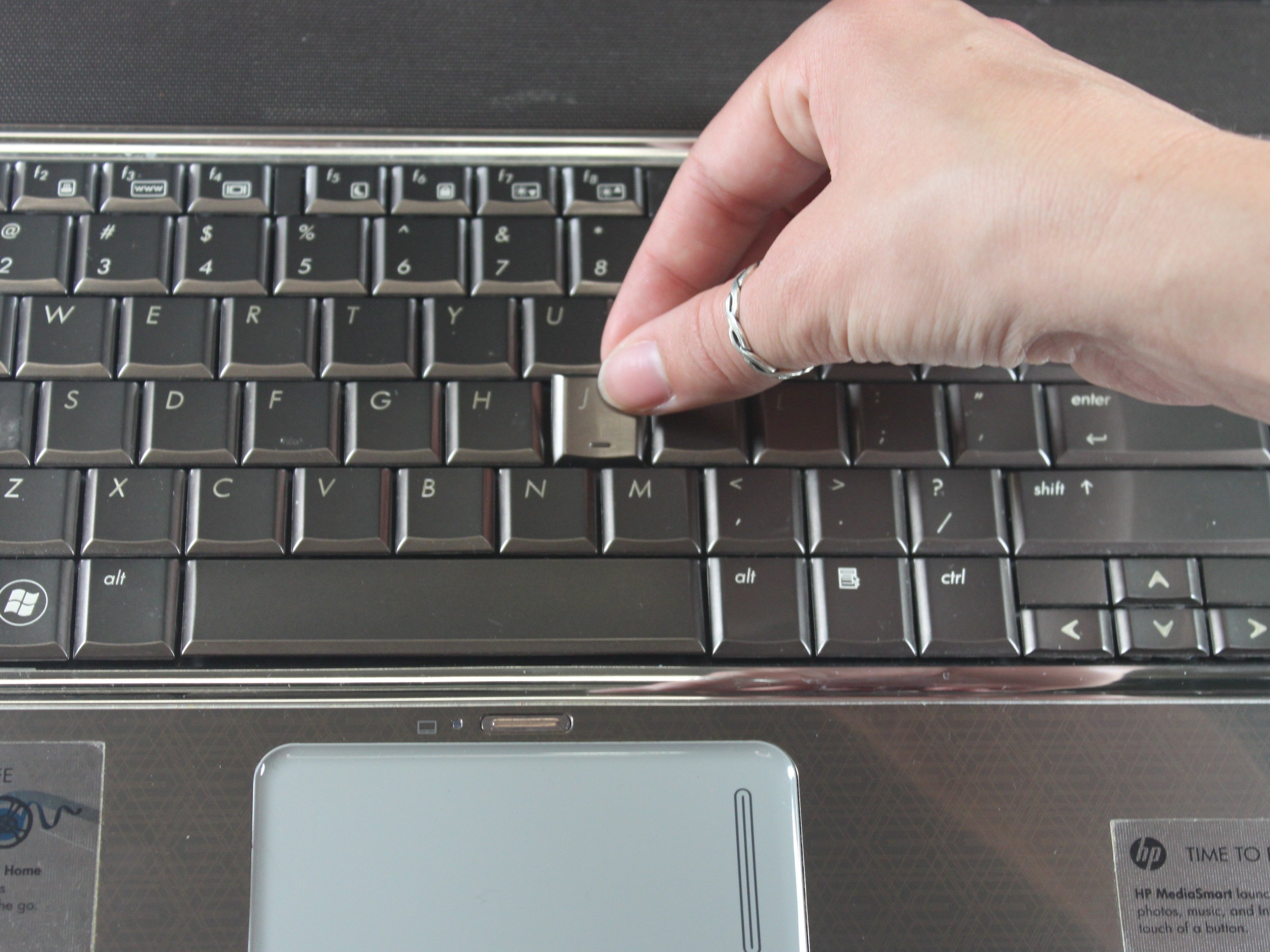
This guide demonstrates how to remove and insert a key into the laptop. This is helpful if a key is missing, needs to be removed for cleaning, or needs to replaced.

Step 1

Repair step

  • Make sure the computer is unplugged and turned off.
  • Open the laptop so that the keyboard is fully exposed.
Step 2

Repair step

  • Place the plastic opening tool in the crevice near the key that needs to be removed.
  • This works best if the tool is placed at the top of the key.
Step 3

Repair step

  • Gently lever the tool downward until the key tilts upward.
  • At this point, move the tool around in order to completely pry the key off the keyboard. As the key is removed, small pops will be heard.
  • This step may take longer for larger keys.
  • When reinserting the key, gently press down until 2 clicks are heard (4 for larger keys).
Step 4

Repair step

  • Carefully remove the key from the base.
Step 5

Repair step

  • If the issue is a sticky key, make sure to clean the area once it is removed.
  • Use a cotton swab with alcohol to clean the underside of the key and the key slot.