 FIXONIC
Official iFixit API visual reference
Open the authorised source
Blackberry Bold 9650 LCD Screen Replacement
Attributed iFixit repair guide for Blackberry Bold 9650.
iFixit Library Blackberry Bold 9650
Moderate
15 - 30 minutes
Guide 8514
Licensed iFixit integration
This attributed iFixit guide is displayed through Fixonic's recorded commercial API permission. iFixit remains the independent source and author of the procedure.


Repair step

- Using your fingernails, lift the sides of the battery.
- Remove the battery.
Repair step

- Orient the device so that the screen is facing the ground.
- Using your finger, gently lift the top of the SIM card.
Repair step

- Gently pull out the SIM card.
Repair step


Repair step

Repair step

Repair step

- Remove the back chassis by gently pulling the chassis back and forth.
Repair step


- Orient the device so that the screen is facing the ground, and the top of the phone is facing you.
- Using a pair of tweezers, lift and remove the following:
- The two round connectors on the top of the mother board.
- The flat connector in the lower corner of the mother board.
Repair step

Repair step

Repair step

- Remove the mother board by lifting the board upward.
Repair step
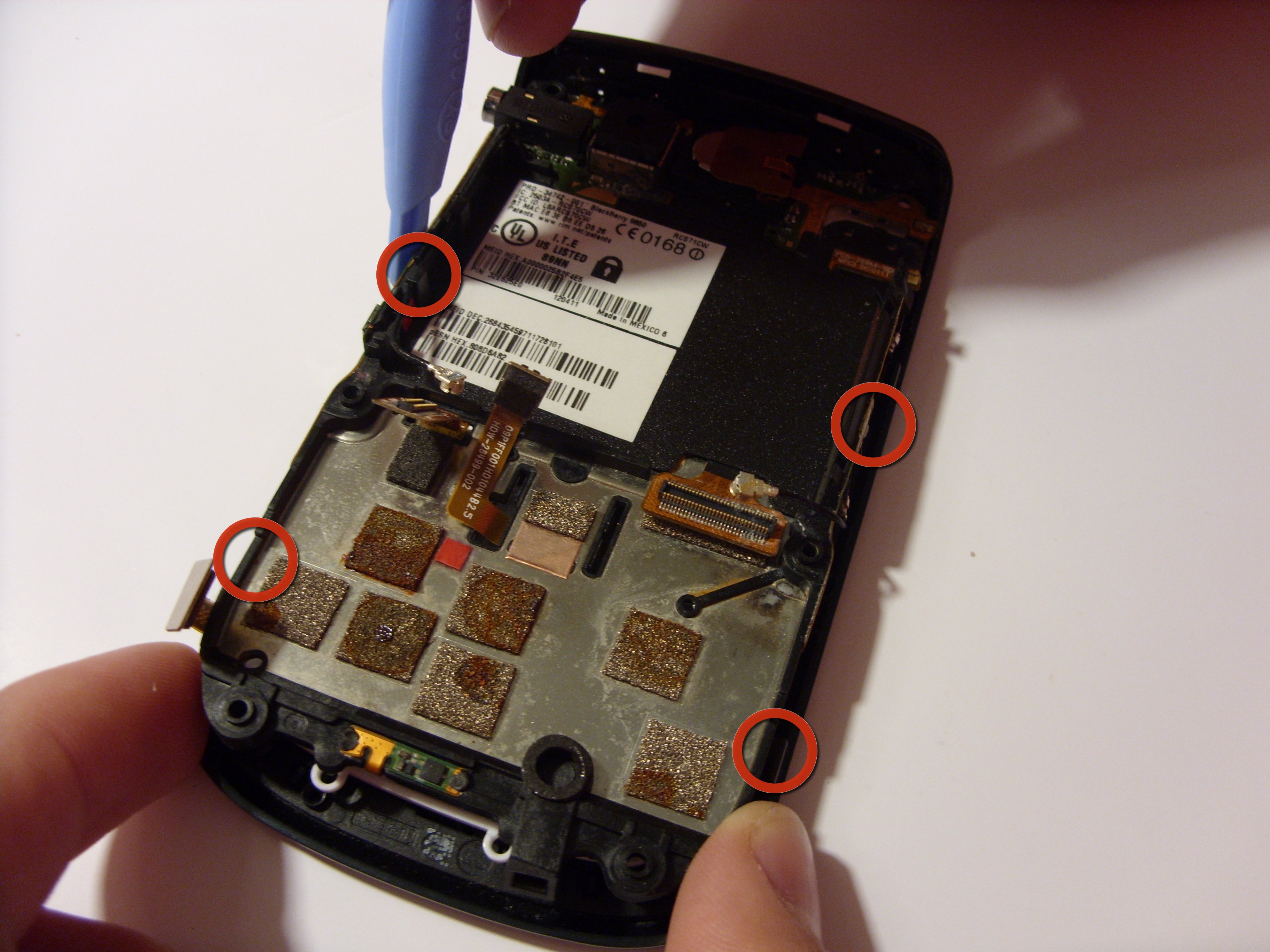
Repair step

Repair step

- Lift the screen away from the device.