FIXONIC
SellSavedMy Fixonic
Official iFixit API visual reference

Protocol Slipstream EVO Propeller blades Replacement

This guide will be showing you how to replace...

iFixit Library Protocol Slipstream EVO Easy 4 minutes Guide 88876
Open the authorised source
Licensed iFixit integration

This attributed iFixit guide is displayed through Fixonic's recorded commercial API permission. iFixit remains the independent source and author of the procedure.

Guide overview

Before you begin

This guide will be showing you how to replace the propeller blades on the Slipstream EVO.
Step 1

Repair step

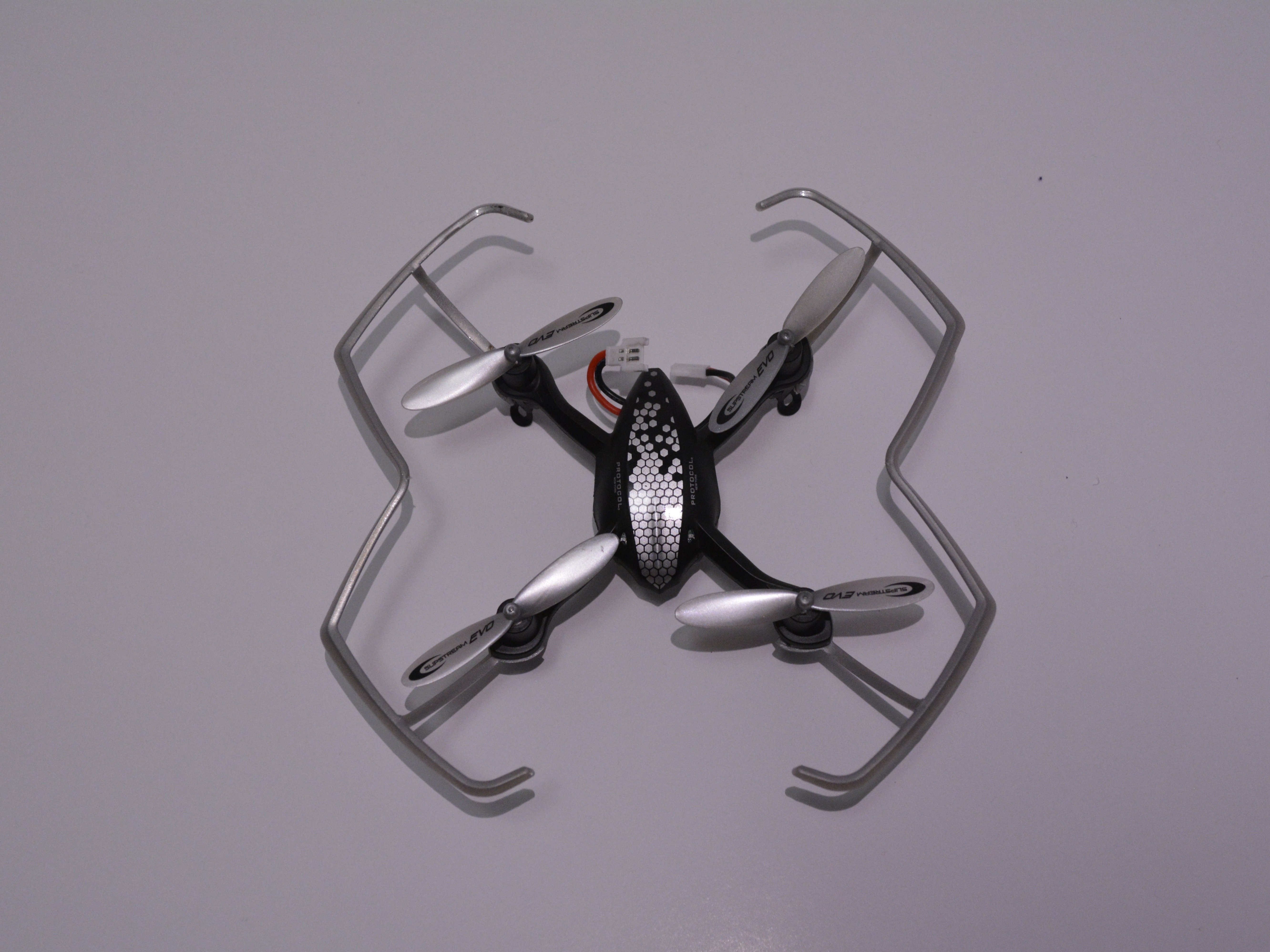
  • With the drone flat on the ground identify which propeller you will be replacing.
Step 2

Repair step

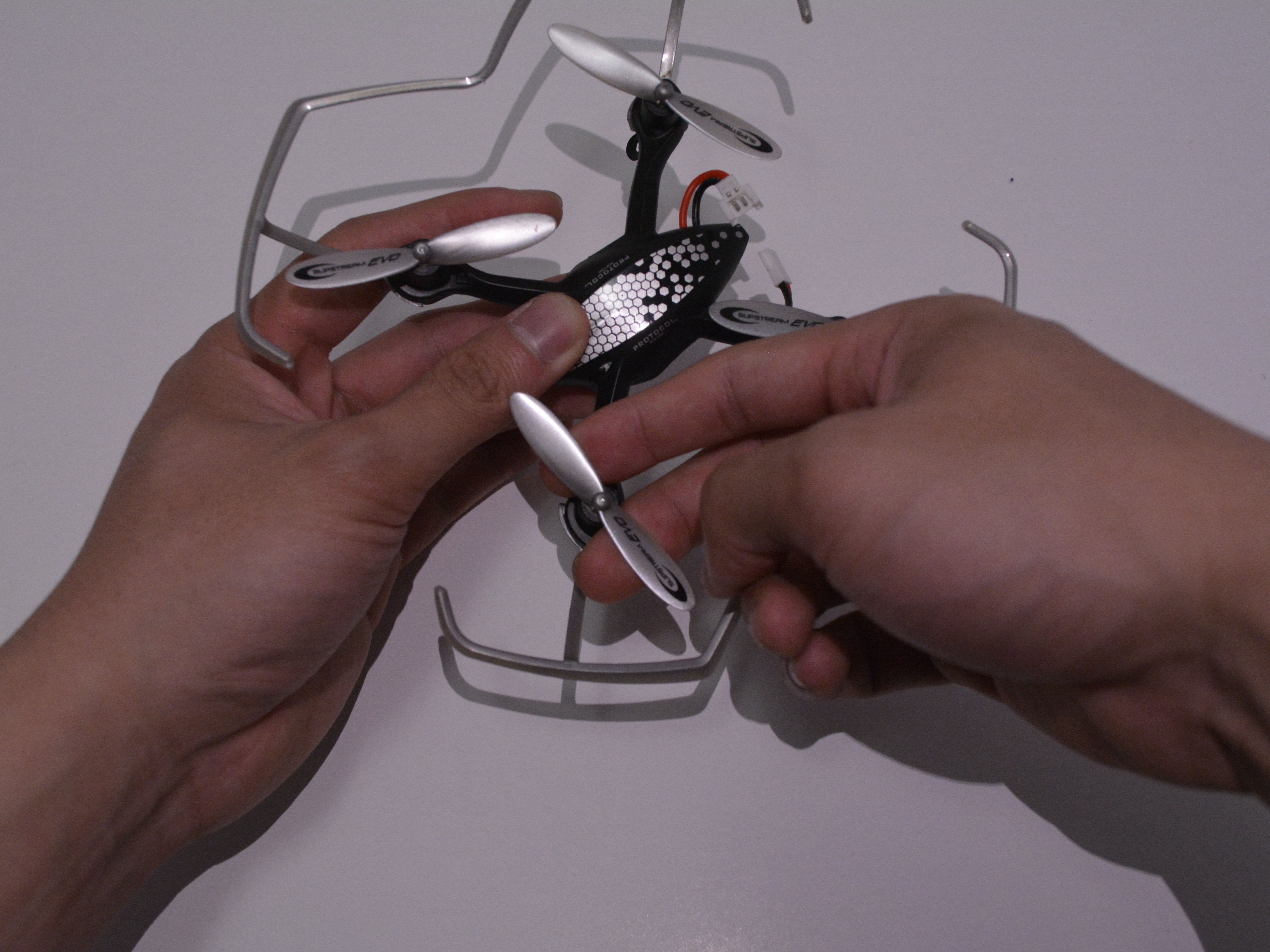
  • Using two fingers, place them on each side of the propellor near the middle.
  • Pull straight up with force. The propellor will feel as if it will not come off but do not be scared to use some muscle.
  • Warning: Pulling at an angle will result in bending the motor's needle.
Step 3

Repair step

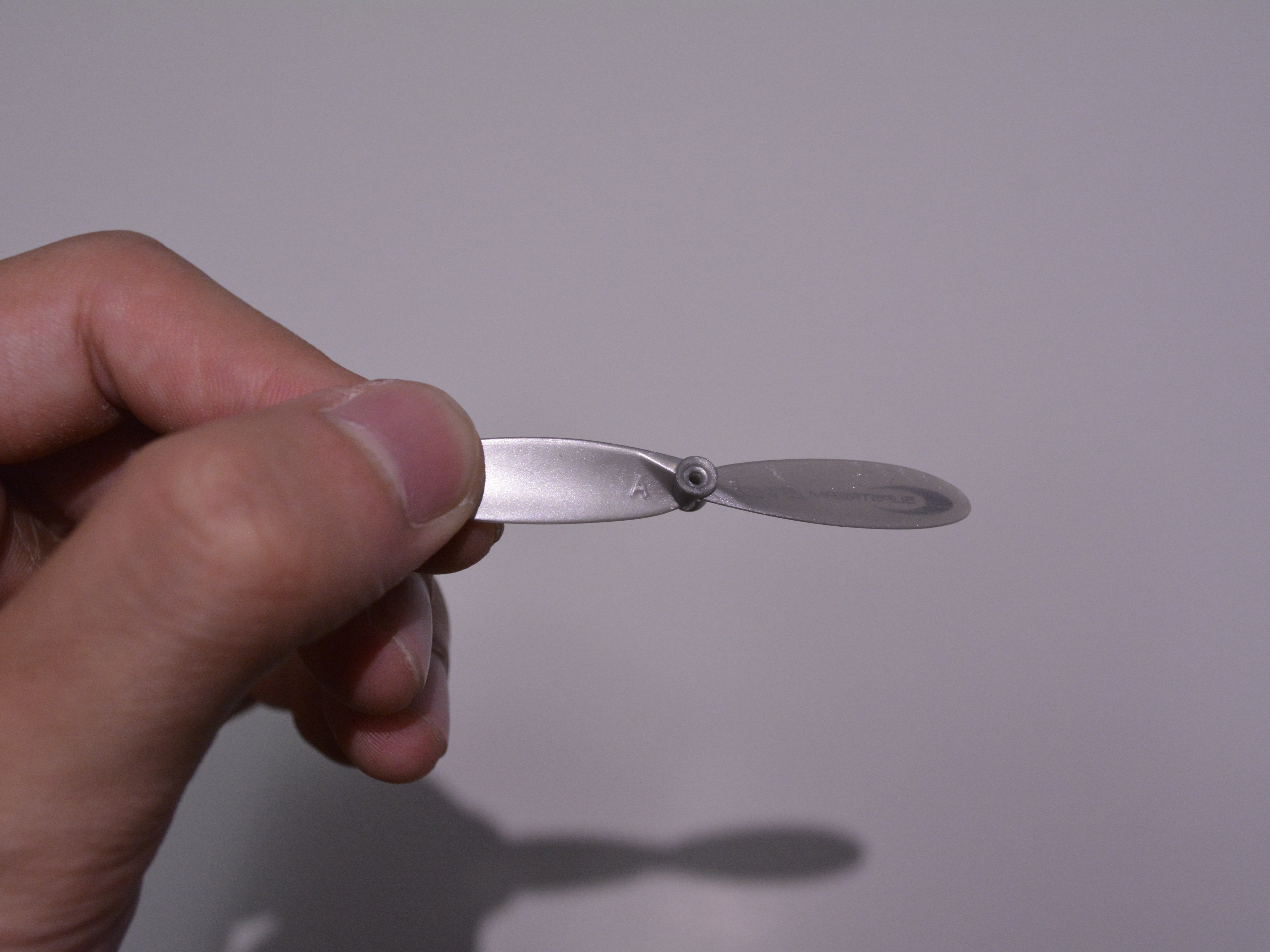
  • Checking the underside of the propeller there will be a letter which will correspond with each side of the drone
  • On the corner of the drone where the blade mounts onto the motor you will see which blade you should be using.
  • Warning: Failure to match the propeller blade to the right motor may result in the drone not flying.
  • Lining up the propeller blade with the needle, push down until the propeller is flushed.