FIXONIC
SellSavedMy Fixonic
Official iFixit API visual reference

MacBook Pro 15" Retina Display Mid 2012 Lower Case Replacement

While it may not be the first component that...

iFixit Library MacBook Pro 15" Retina Display Mid 2012 Easy 5 minutes Guide 9665
Open the authorised source
Licensed iFixit integration

This attributed iFixit guide is displayed through Fixonic's recorded commercial API permission. iFixit remains the independent source and author of the procedure.

Guide overview

Before you begin

While it may not be the first component that people gawk over when they see your fancy Retina display MacBook Pro, a nasty looking lower case can be a real eye-sore. Use this guide to help you replace a scratched, scuffed, bent or broken bottom panel.
Step 1

Repair step

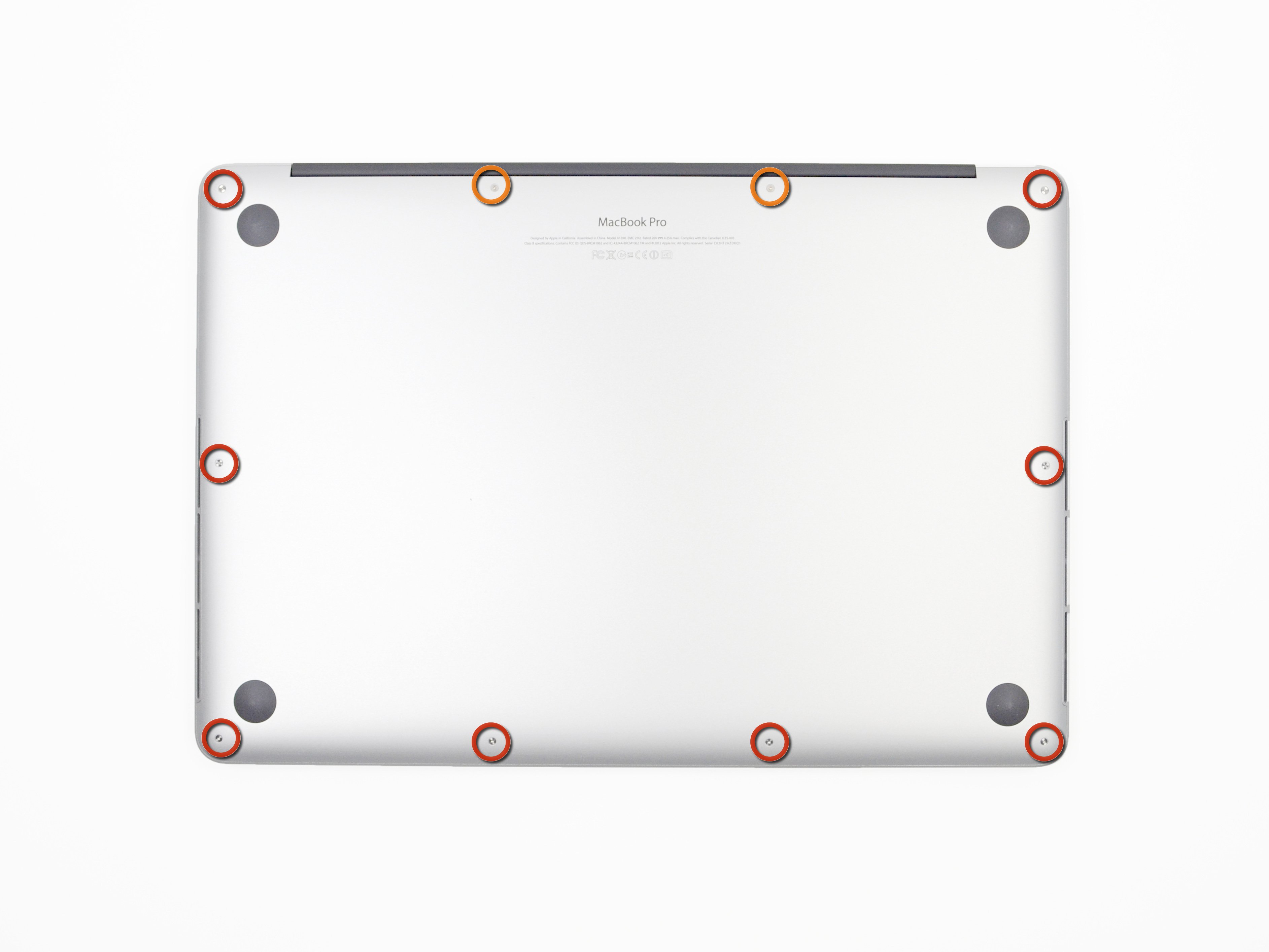
  • Remove the following P5 pentalobe screws securing the lower case to the MacBook Pro:
  • Eight 3.0 mm
  • Two 2.3 mm
Step 2

Repair step

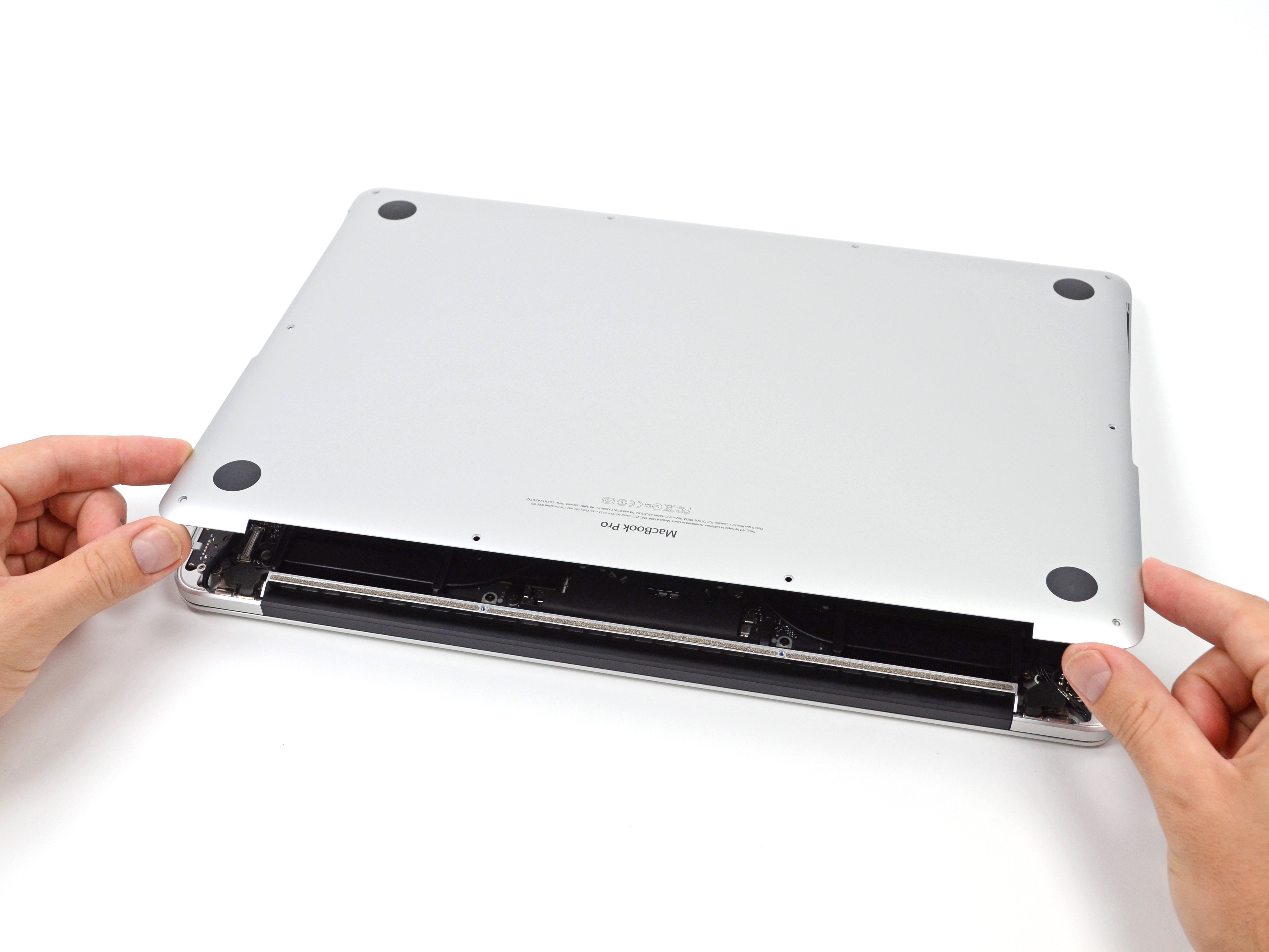
  • Lifting from the edge nearest the clutch cover, lift the lower case off the MacBook Pro.
  • Set the lower case aside.