FIXONIC
Before you begin
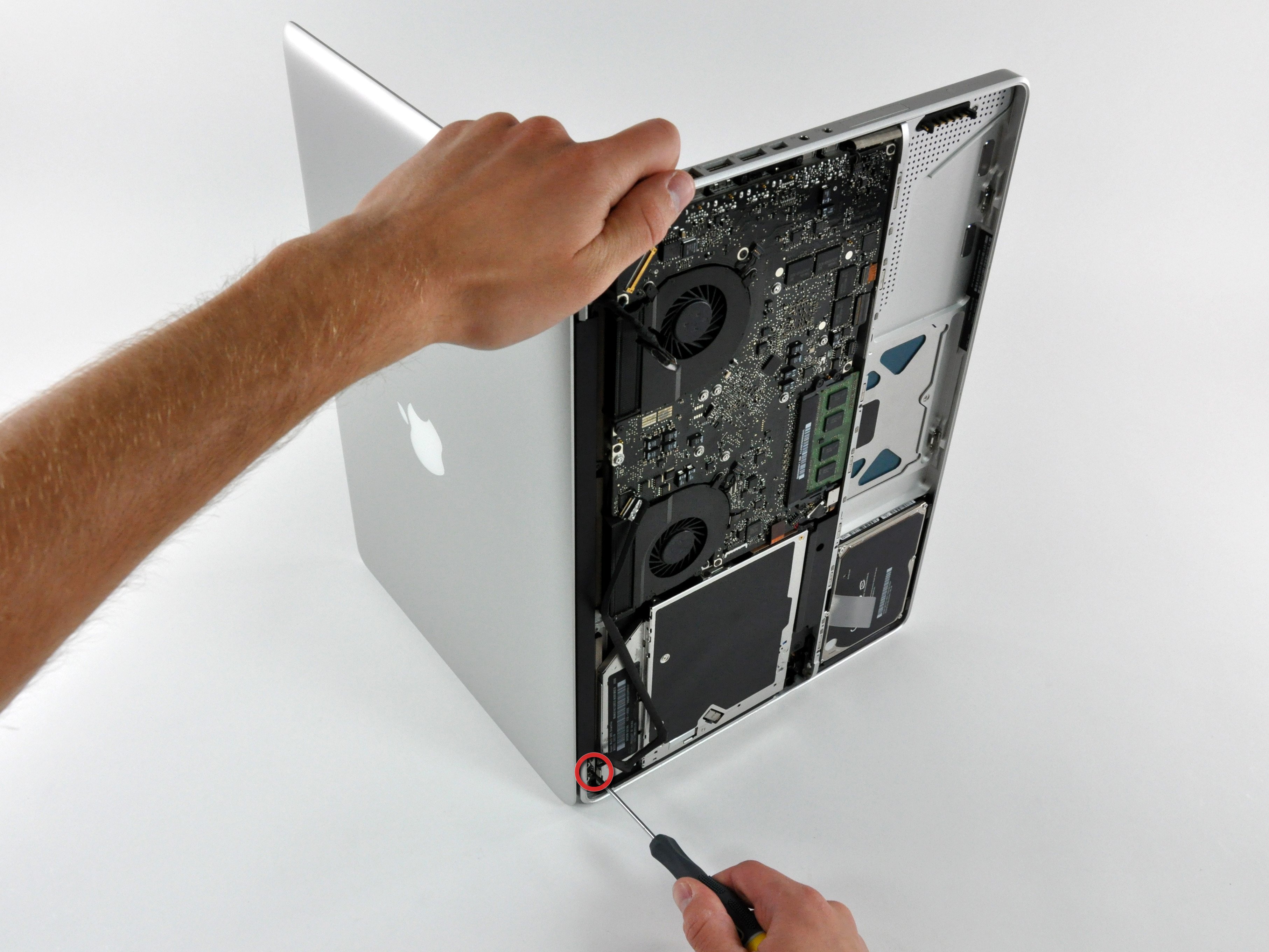
Late 2008 MacBook Pros 15 inch models suffer from delamination of the top case which may occur on some models, as the unibody design of the screen isn't really unibody on these early models, but a glued two part item. Heat from computer that is blown onto the hinge slowly softens this glue and it can eventually cause it to separate. Apple had an out-of-warranty case that permitted free replacements of 15-inch Late 2008 MacBook Pro displays, but this case was valid until about 2013-2014. Upon inspection of several these MacBook Pros 15-inch Late 2008 laptops, I discovered that some of them had very stiff hinges and display opened with too much force. Some of these already had some delamination of the display assembly. As the hinges get stiff, more force is applied on the display which over time causes the already weak glue that holds the outer display housing to break and separate from the back case. To delay or even prevent the separation, the solution is to lubricate these hinges which is best done with the display removed, also recommended is to remove clutch cover. Only warning is, that sometimes then the hinges can become too soft and may not hold the display at the desired angle. This guide is also valid for an A1278 Late 2008 MacBook Aluminium 13-inch model, but delamination and stiff hinges are very uncommon on these models (but it does still happen).