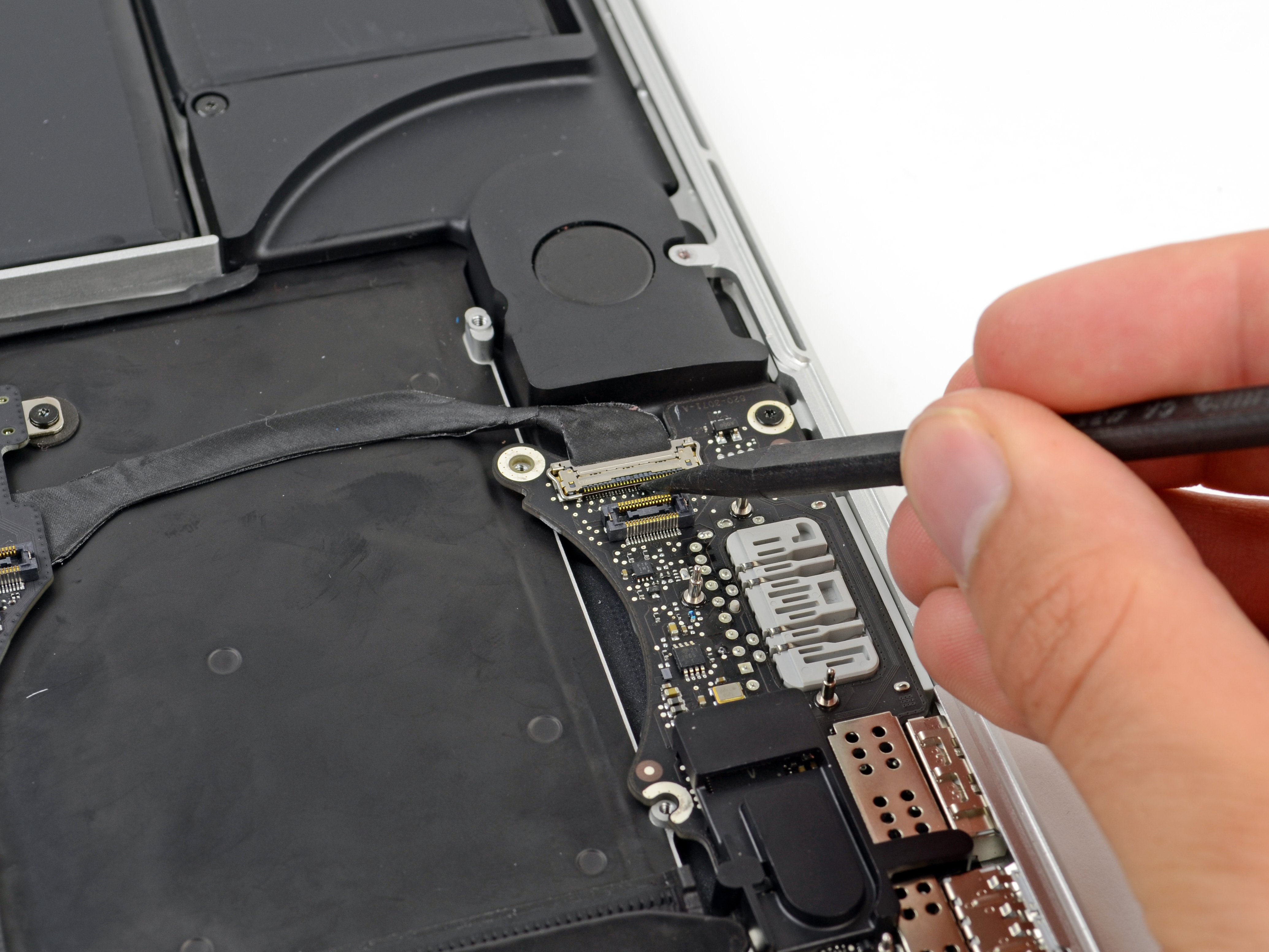
Step 1 Repair step ⌕ TOOL USED ON THIS STEP Spudger Referenced by the iFixit guide View item Use the tip of a spudger to flip up the I/O board data cable lock and rotate it toward the battery side of the computer. Use the flat end of a spudger to slide the I/O board data cable straight out of its socket on the logic board. Do not lift up on the I/O board data cable, as its socket is very fragile. Pull the cable parallel to the face of the logic board.
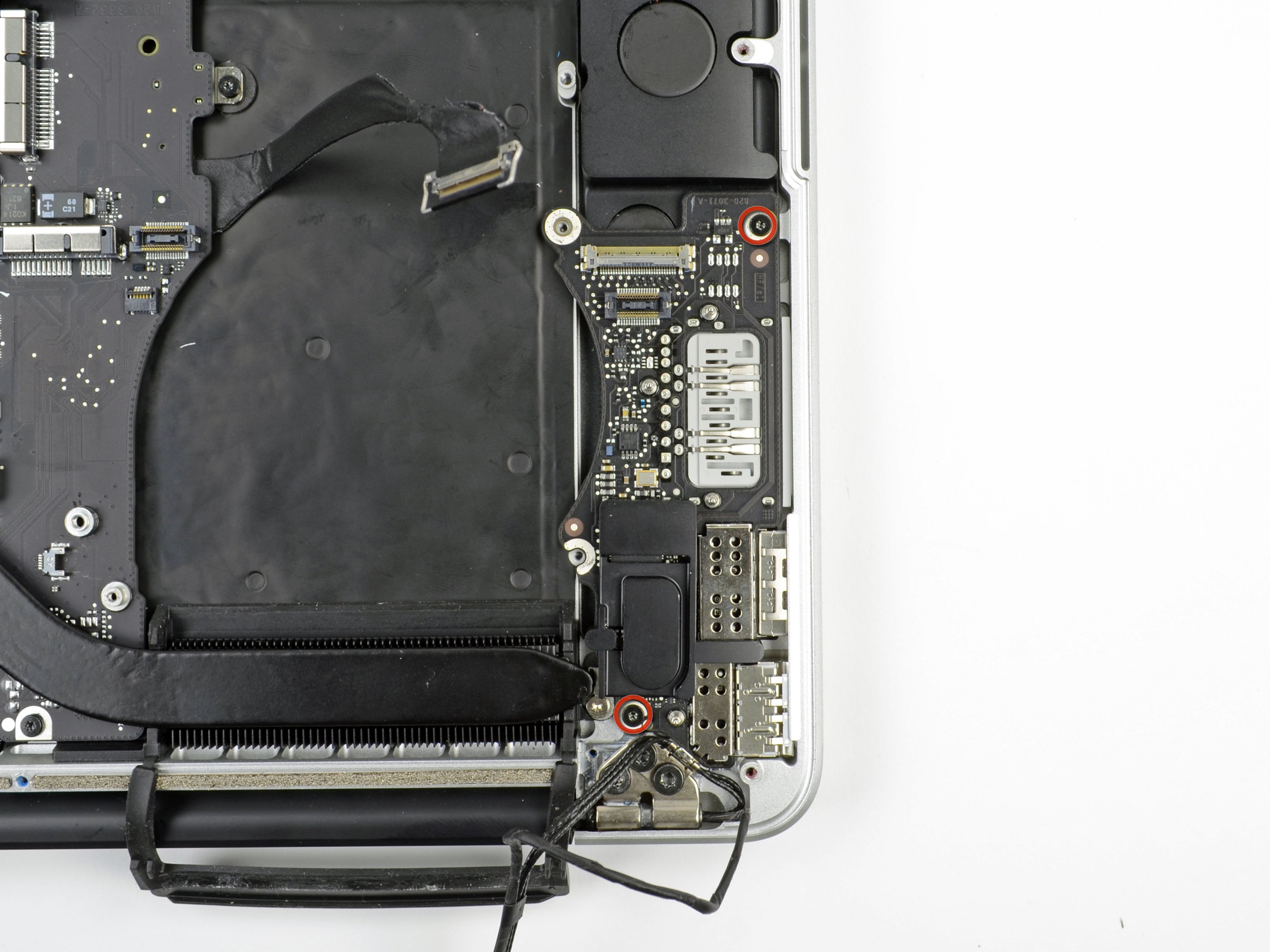
Step 2 Repair step ⌕ TOOL USED ON THIS STEP T5 Torx Screwdriver Referenced by the iFixit guide View item Remove the two 3.1 mm T5 Torx screws securing the I/O board to the logic board. On some models, also removing the silver 3.5 mm T5 Torx screw from the heatsink can aid in I/O board removal. Carefully lift the I/O board and remove it from the lower case.
 FIXONIC