
FIXONIC
SellSavedMy Fixonic
Official iFixit API visual reference

Qualcomm Snapdragon 800 Mobile Development Antenna Replacement

Attributed iFixit repair guide for Qualcomm Snapdragon 800 Mobile Development.

iFixit Library Qualcomm Snapdragon 800 Mobile Development Moderate No estimate Guide 99679
Open the authorised source
Licensed iFixit integration

This attributed iFixit guide is displayed through Fixonic's recorded commercial API permission. iFixit remains the independent source and author of the procedure.

Step 1

Repair step

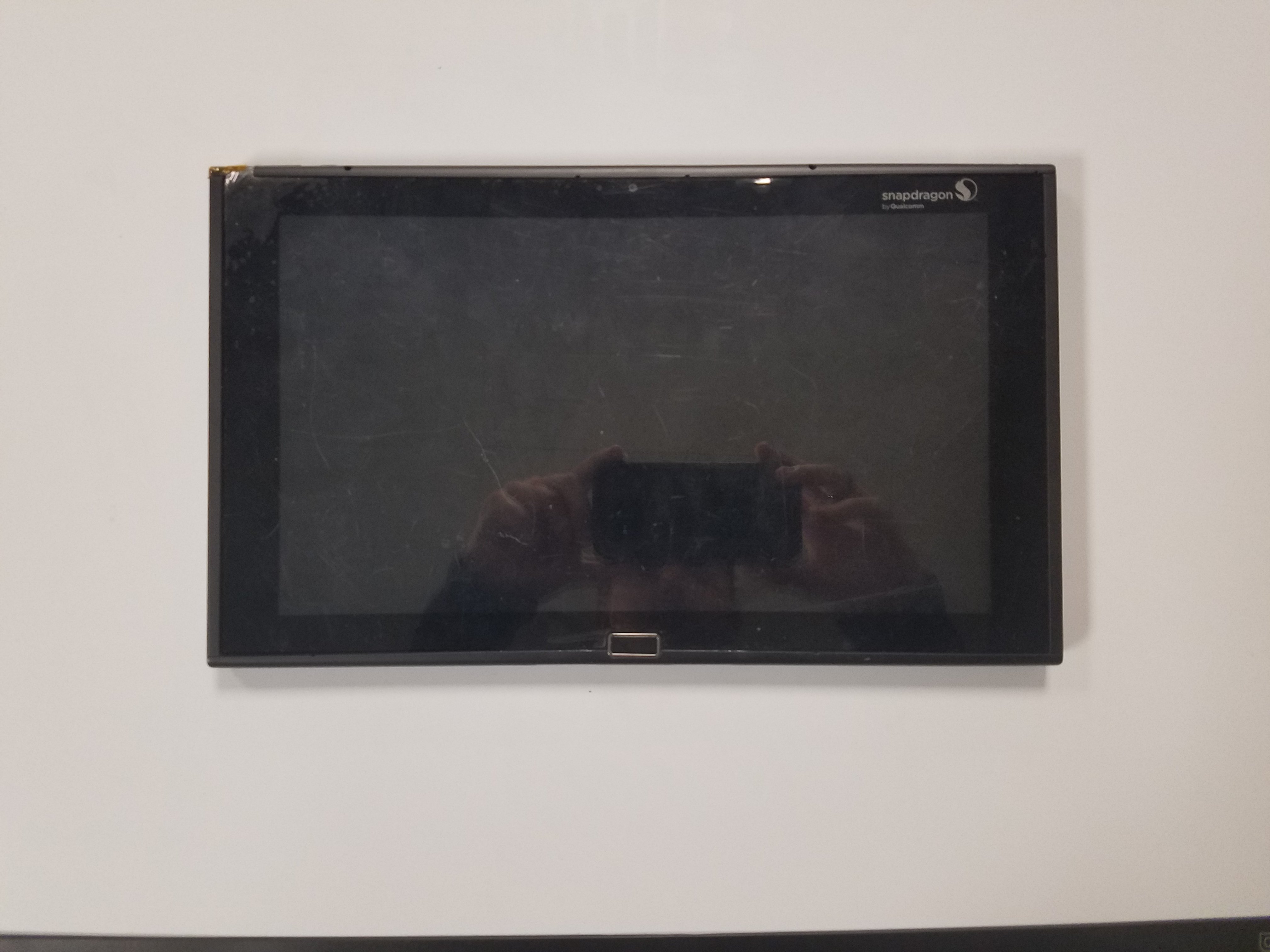
  • Locate your device.
  • Flip device onto its back.
Step 2

Repair step

  • Remove the tablet's back cover.
Step 3

Repair step

  • Locate the battery and remove it.
  • If you wish to replace the battery you can do so here.
Step 4

Repair step

  • Use the Phillips PH1 screwdriver to unscrew the five 4x2.5mm screws that hold the back cover.
Step 5

Repair step

  • Pop out the back cover.
Step 6

Repair step

  • After removing the panel and the battery, your tablet should look like this.
Step 7

Repair step

  • Locate the tablet's antennas.
  • Remove the two 3x2.5mm screws holding them down.
Step 8

Repair step

  • Remove antennas and replace them as needed.